电脑卡怎么办;电脑运行缓慢怎么办
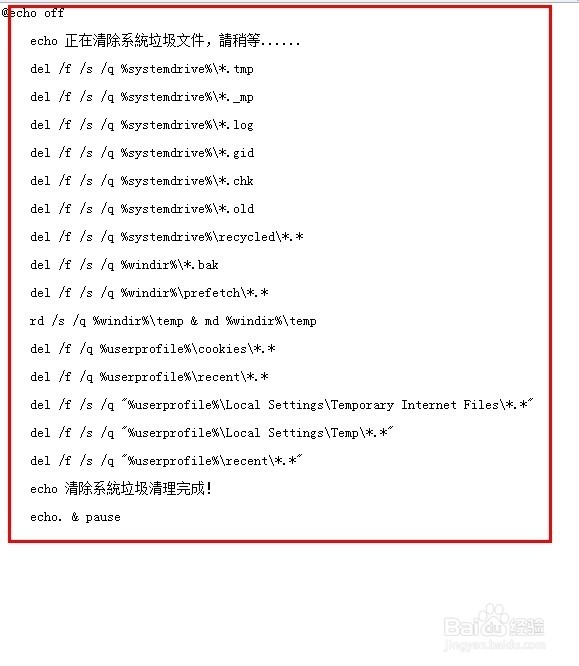
1、复制以下内容(双横线里面的)
================================================================================
@echo off
echo 正在清除系統垃圾文件,請稍等......
del /f /s /q %systemdrive%\*.tmp
del /f /s /q %systemdrive%\*._mp
del /f /s /q %systemdrive%\*.log
del /f /s /q %systemdrive%\*.gid
del /f /s /q %systemdrive%\*.chk
del /f /s /q %systemdrive%\*.old
del /f /s /q %systemdrive%\recycled\*.*
del /f /s /q %windir%\*.bak
del /f /s /q %windir%\prefetch\*.*
rd /s /q %windir%\temp & md %windir%\temp
del /f /q %userprofile%\cookies\*.*
del /f /q %userprofile%\recent\*.*
del /f /s /q "%userprofile%\Local Settings\Temporary Internet Files\*.*"
del /f /s /q "%userprofile%\Local Settings\Temp\*.*"
del /f /s /q "%userprofile%\recent\*.*"
echo 清除系統垃圾清理完成!
echo. & pause
================================================================================
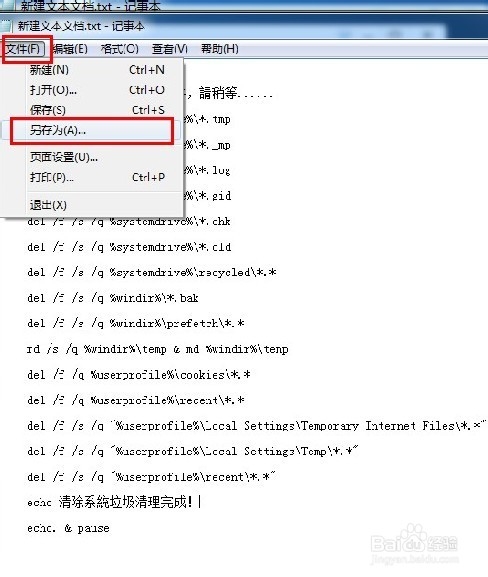
2、将其制作成批处理脚本
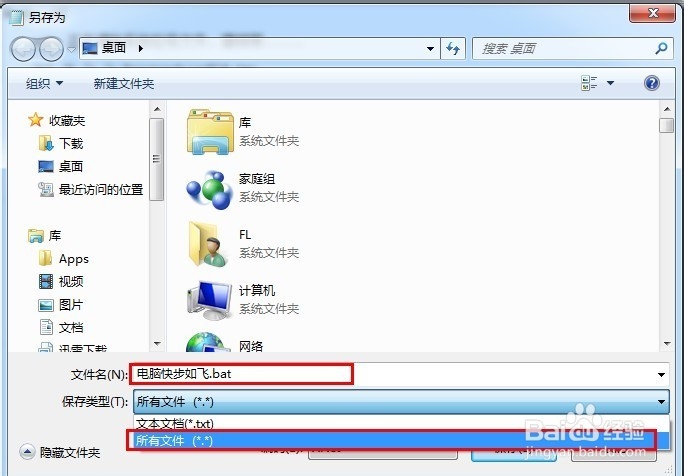
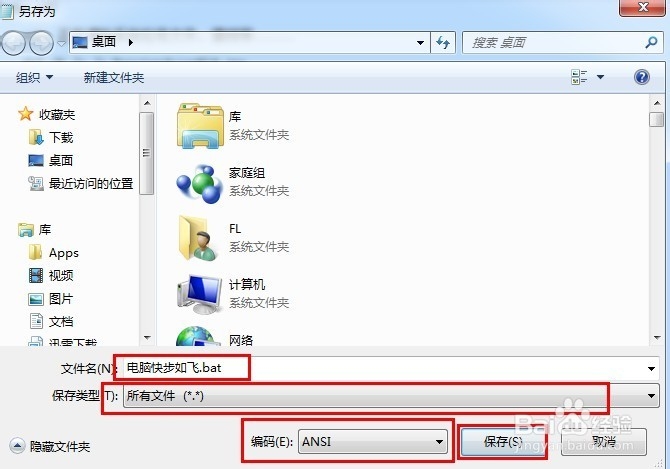
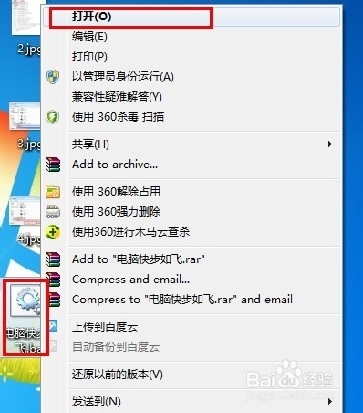
3、你也可以将它设置成开机启动,这样电脑每次开机的时候它都会运行一次,保证电脑快速的运行
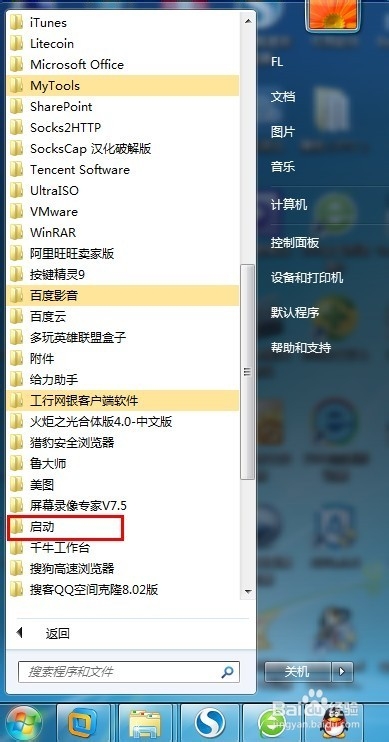
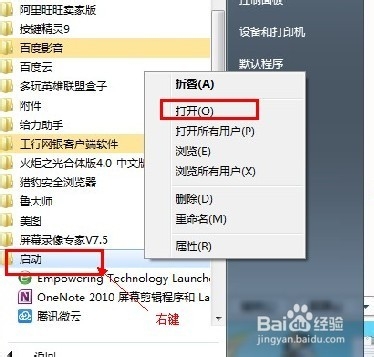
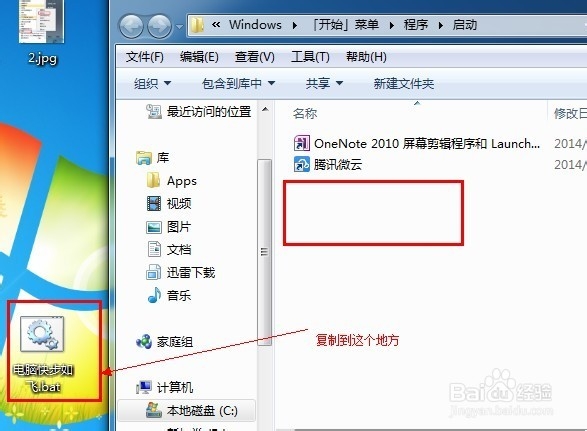
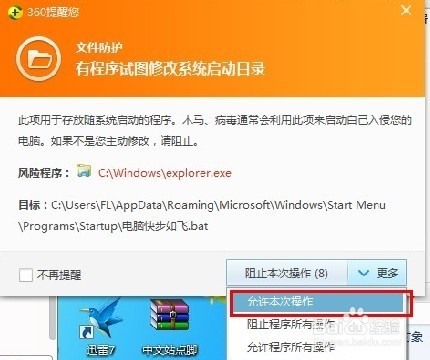
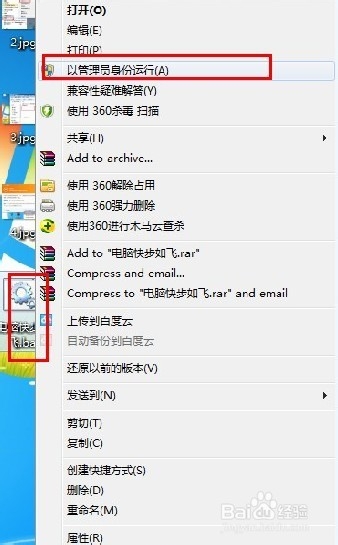
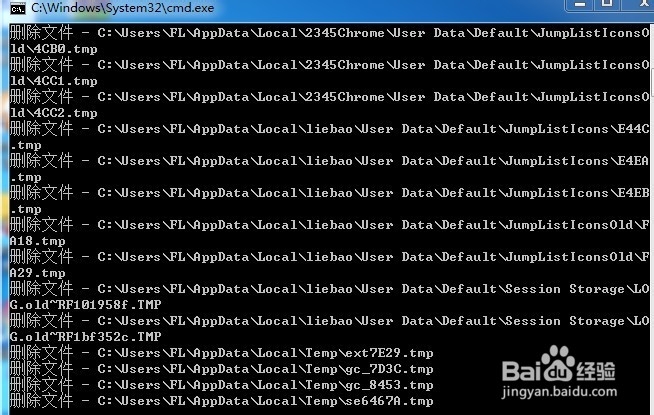
4、试试运行看看,效果非常好,然后可以关机看看,是否重新开机也在帮您的爱机清理垃圾了?