强化SSH安全:修改SSH端口
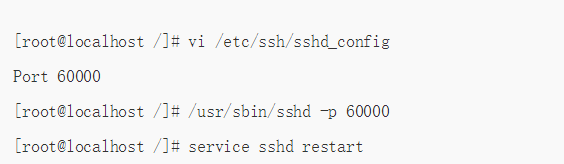
1、方法如下:在/etc/ssh/sshd_config
中找到Port 22,将其修改为60000,
或使用/usr/sbin/sshd -p 60000指定端口
2、如果用户想让22和60000端口同时开放,只需在/etc/ssh/sshd_config增加一行内容如下:
[root@localhost /]# vi /etc/ssh/sshd_config
Port 22
Port 60000
[root@localhost /]# /etc/init.d/sshd restart
声明:本网站引用、摘录或转载内容仅供网站访问者交流或参考,不代表本站立场,如存在版权或非法内容,请联系站长删除,联系邮箱:site.kefu@qq.com。
阅读量:77
阅读量:120
阅读量:134
阅读量:55
阅读量:83