华为freebuds pro怎么连接设备
1、首先拿出我们的手机,这里演示的是“华为mate30 pro”。

2、在手机的主界面找到手机“设置”。
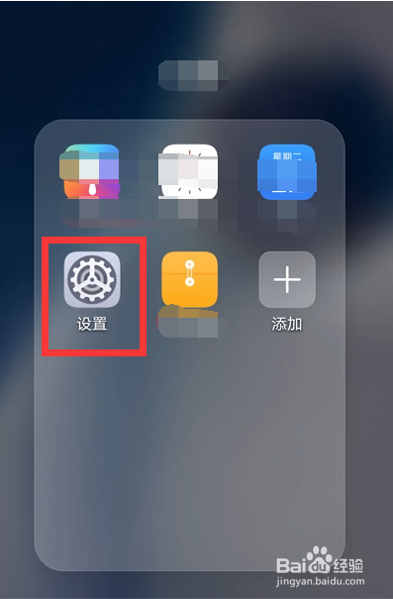
3、打开设置界面,找到“蓝牙”,点击进入。

4、将手机蓝牙打开,往右亮显是“开启”,往左变灰是“关闭”。

5、搜索附近设备,即可搜索到“华为freebuds”。
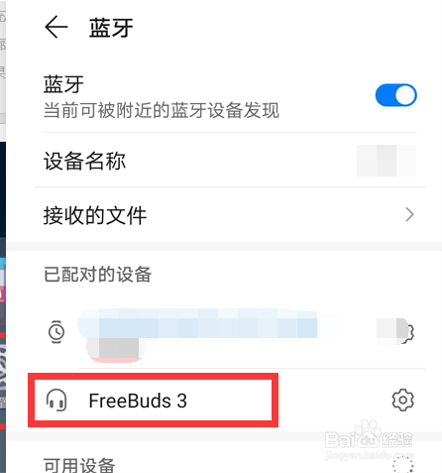
6、点击“华为freebuds”即可连接设备。

声明:本网站引用、摘录或转载内容仅供网站访问者交流或参考,不代表本站立场,如存在版权或非法内容,请联系站长删除,联系邮箱:site.kefu@qq.com。
阅读量:131
阅读量:84
阅读量:126
阅读量:180
阅读量:158