Unity 教程之 Vector3.forward和Transform区别
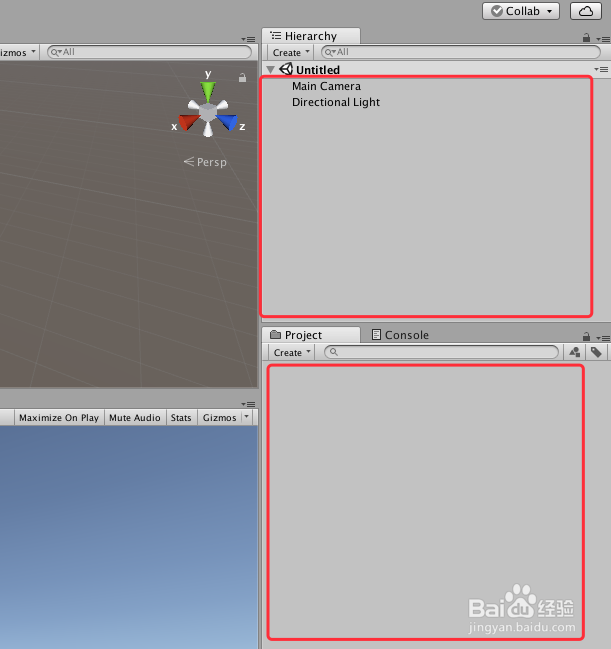
1、打开Unity,新建一个空工程,具体如下图
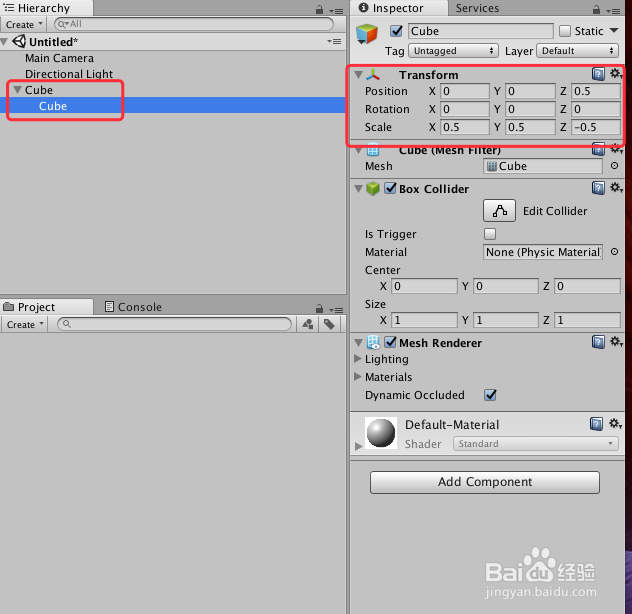
2、在场景中添加两个“Cube”,父物体默认设置,子物体修改大小(0.5,0.5,0.5)及位置(0,0,0.5),具体如下图
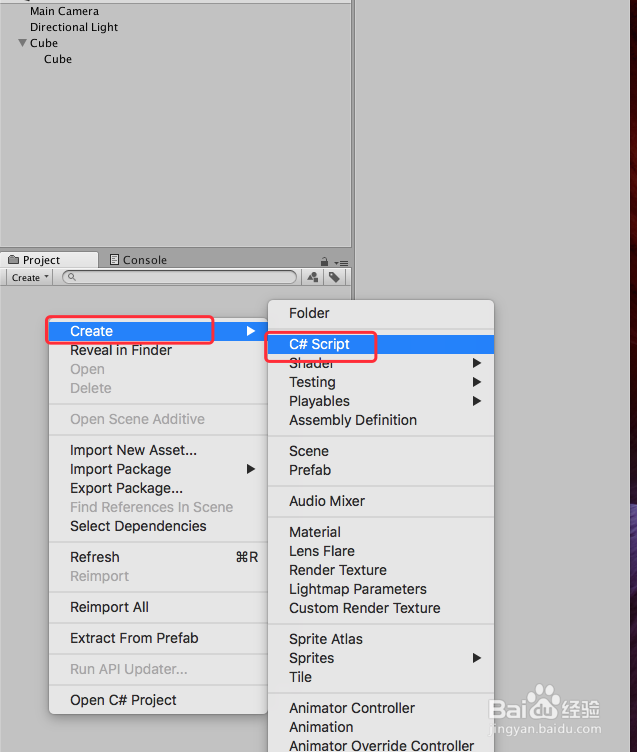
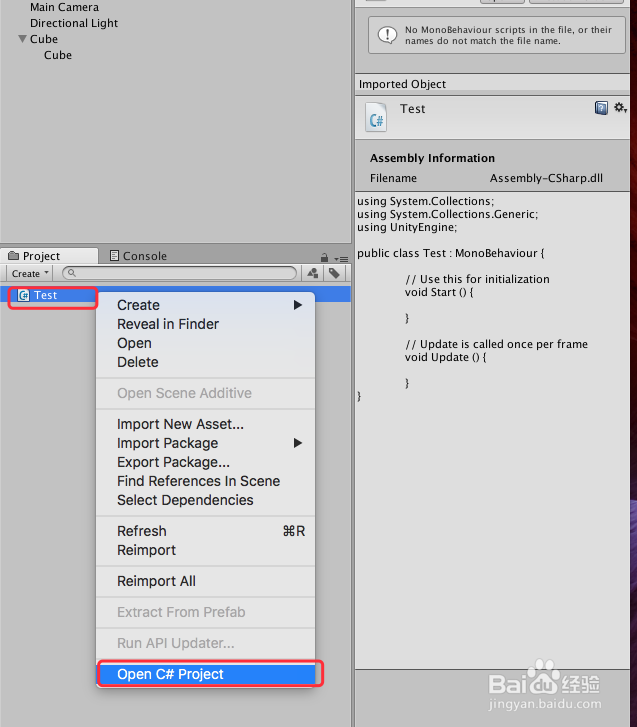
3、在工程中添加一个脚本“Test”,并双击脚本或者右键“Open C# Project”打开脚本,具体如下图
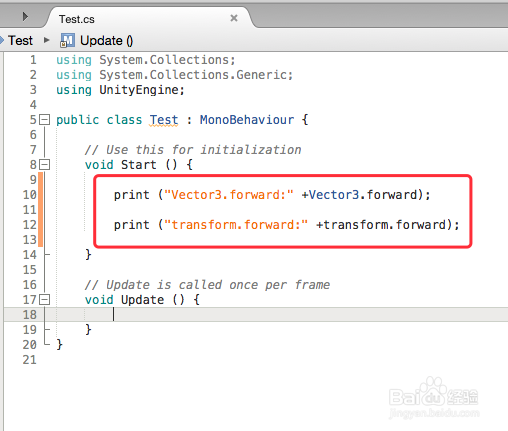
4、脚本编辑,打印“Vector3.forward”和“Transform.forward”的值,具体如下图
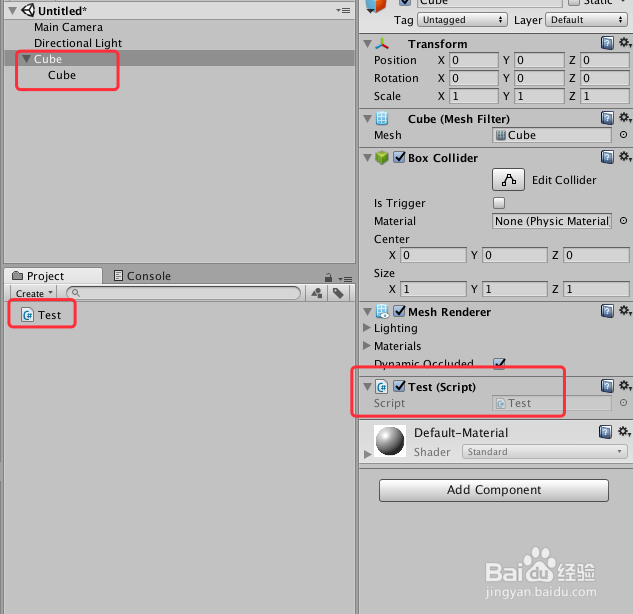
5、脚本编译正确,回到Unity界面,把脚本赋给“Cube”父物体,具体如下图
6、运行场景,两个值的打印结果一致,具体如下图
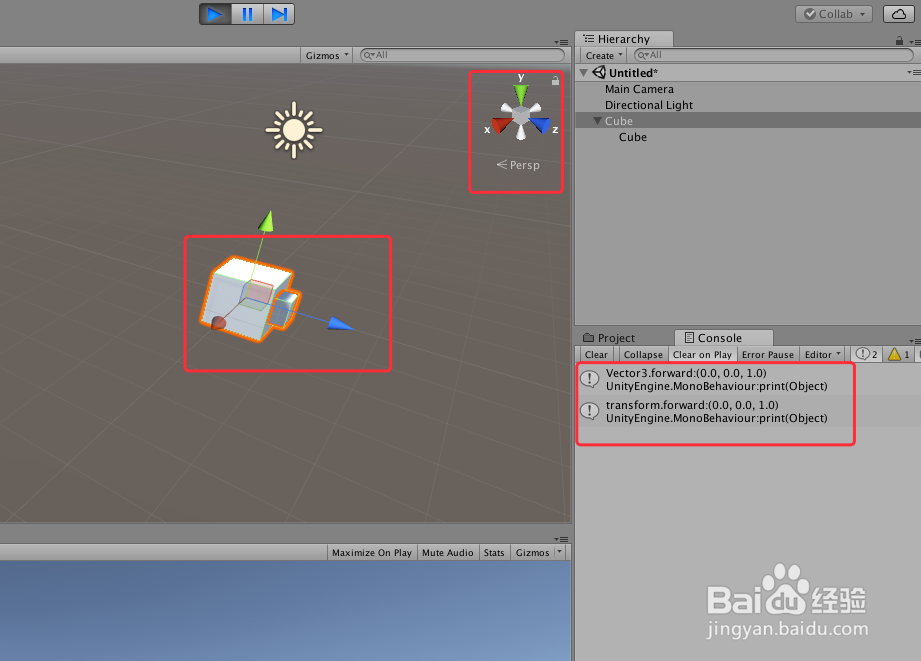
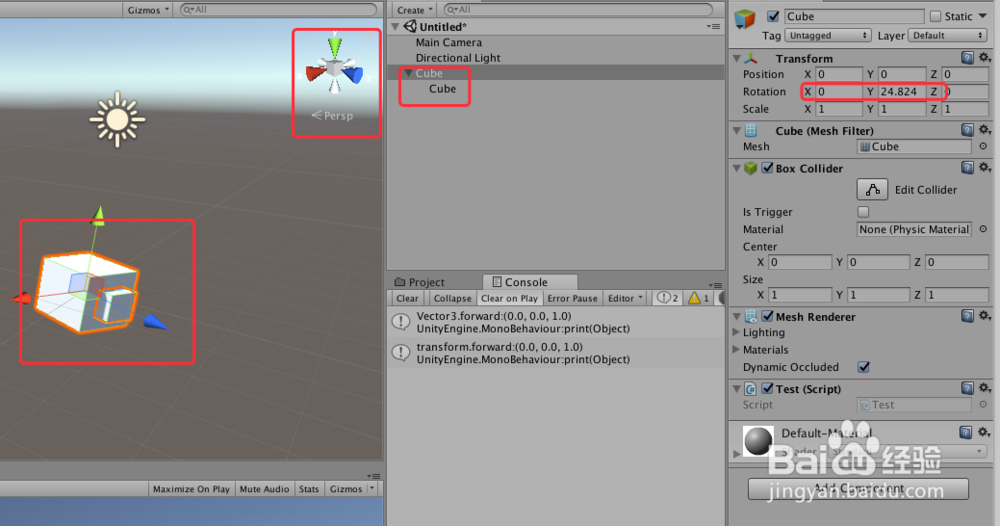
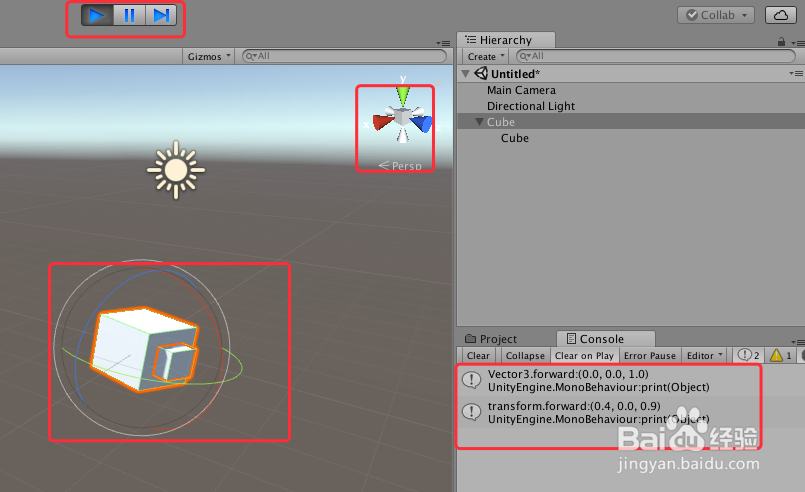
7、把“Cube”组合,绕Y轴旋转一定角度,在运行场景,结果就不一致了,其中“Vector3.forward:(0.0, 0.0, 1.0)”,而“Transform.forward”变化了,具体如下图
8、Transform.forward:
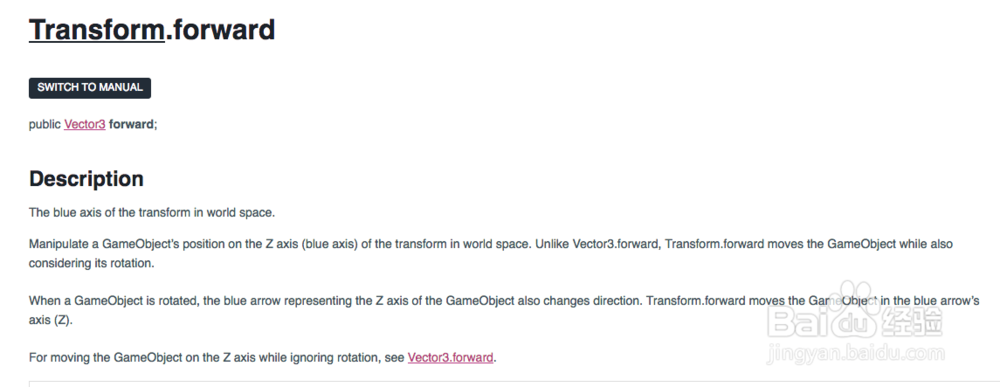
The blue axis of the transform in world space.
Manipulate a GameObject’s position on the Z axis (blue axis) of the transform in world space. Unlike Vector3.forward, Transform.forward moves the GameObject while also considering its rotation.When a GameObject is rotated, the blue arrow representing the Z axis of the GameObject also changes direction. Transform.forward moves the GameObject in the blue arrow’s axis (Z).
9、Vector3.forward:
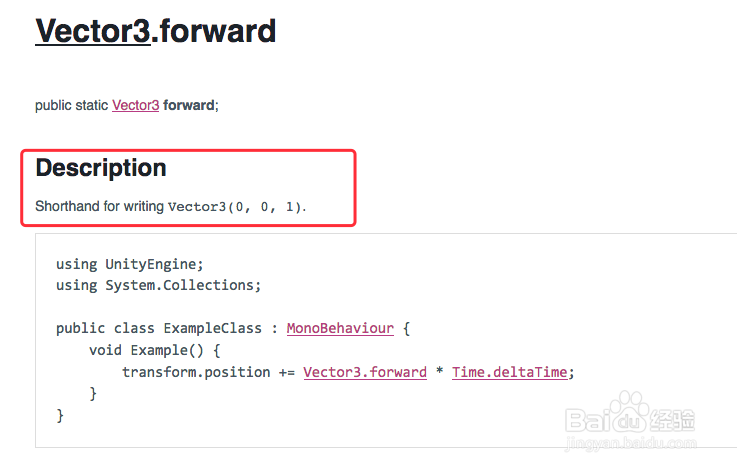
Shorthand for writing Vector3(0, 0, 1).
Move the GameObject on the Z axis while ignoring rotation.