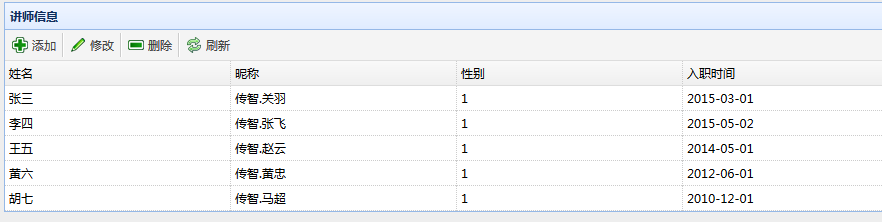
JQuery EasyUI其他组件
1、语法
<a href="#" id='btnOk' class="easyui-linkbutton"
icon="icon-ok" style='width: 80px'>
登录
</a>
动态创建

2、运行效果:

1、语法:
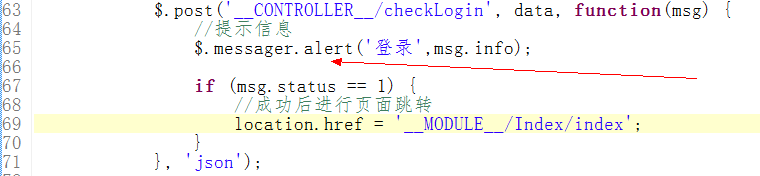
//提示框
$.messager.alert('title','info message!‘);
//确认框
$.messager.confirm('title', 'info message?',function(r){
if (r){
exit action;
}
});
提示框
2、确认框

1、语法:
<body>
<div data-options="region:'north',title:'North Title'" ></div>
<div data-options="region:'south',title:'South Title'"></div>
<div data-options="region:'east',title:'East'"></div>
<div data-options="region:'west',title:'West'" ></div>
<div data-options="region:'center',title:'center title'" ></div>
</body>
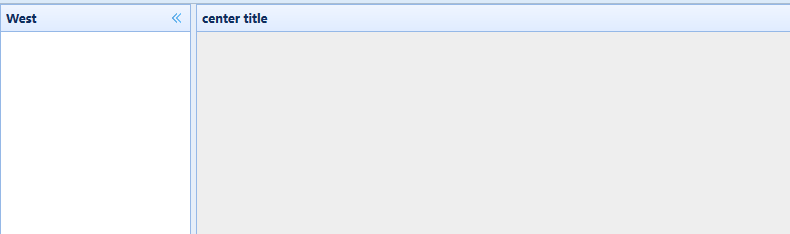
2、运行效果:
1、
语法:
<table style="width:400px;height:250px"
data-options="url:'datagrid_data.json',fitColumns:true,singleSelect:true">
<thead>
<tr>
<th data-options="field:'code',width:100">Code</th>
<th data-options="field:'name',width:100">Name</th>
<th data-options="field:'price',width:100,align:'right'">Price</th>
</tr>
</thead>
</table>

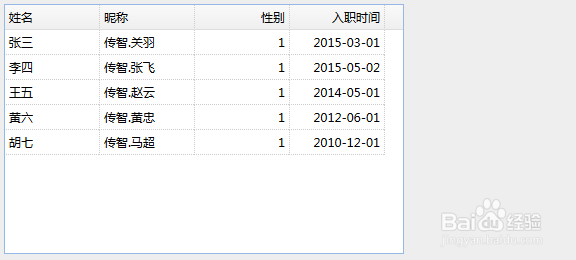
2、运行效果:
3、动态创建
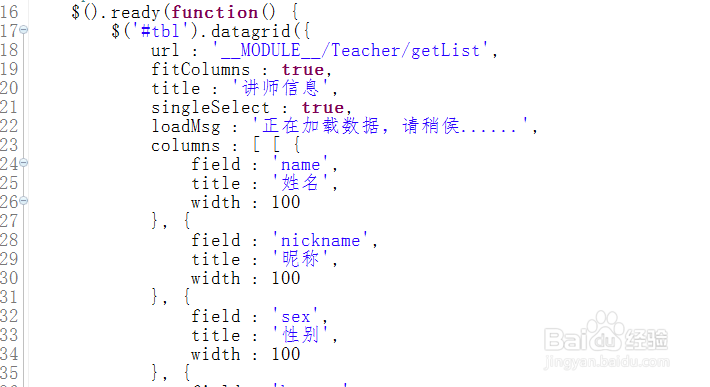
4、运行效果: