微信小程序如何从数据库中获取数据
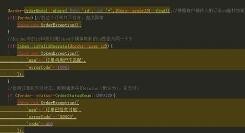
1、首先,进入小程序后台配置https服务器域名;二、程序中写好调用的数据,并返回json格式: //获取素材列表接口,该方法位于Application\Home\Controller\WeixinController.class.php中 public function getdownList(){ $data=M('Material')->field('id,title,path,date,down,description,view')->order('date desc')->limit(6)->select(); echo json_encode($data).
2、三、调用数据
因为我的下载模板是在index中,所有逻辑代码要写在index.js中,下面是具体的代码
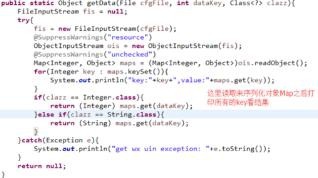
/** * 生命周期函数--监听页面加载 */ onLoad: function () { console.log('onLoad') var that = this wx.request({ url: 'https://www.100txy.com/weixin/getdownlist', //真实的接口地址 data: {}, header: {

3、 'content-type': 'application/json' }, success: function (res) { console.log(res.data) that.setData({ Industry: res.data //设置数据 }) }, fail: function (err) { console.log(err) } }) }.
4、四、在列表模板渲染数据
进入到index.wxml中加载数据,具体代码如下
<view class="newsInfo"> <block wx:for="{{Industry}}" > <view class="newsList" wx:for-index="idx" bindtap="showDetail" id="{{item.id}}"> <view class="pic"> <image style="width:110px;height:80px;" sr
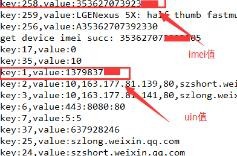
5、c="https://www.100txy.com/{{item.path}}"></image> </view> <view class="news_title"> <text class="title_subject">{{item.title}}\n</text> <text class="title">{{item.description}}</text><text class="dianping">浏览 {{item.view}} 下载 {{item.down}}</text> </view> </view> <view class="hr"></view> </block> </view>.