wordpress实现“隐藏内容回复可见”功能纯代码
1、第一步使用filezila工具进入自己网站后台文件目录。输入自己的IP地址,ftp帐号,密码 登录到后天目录;
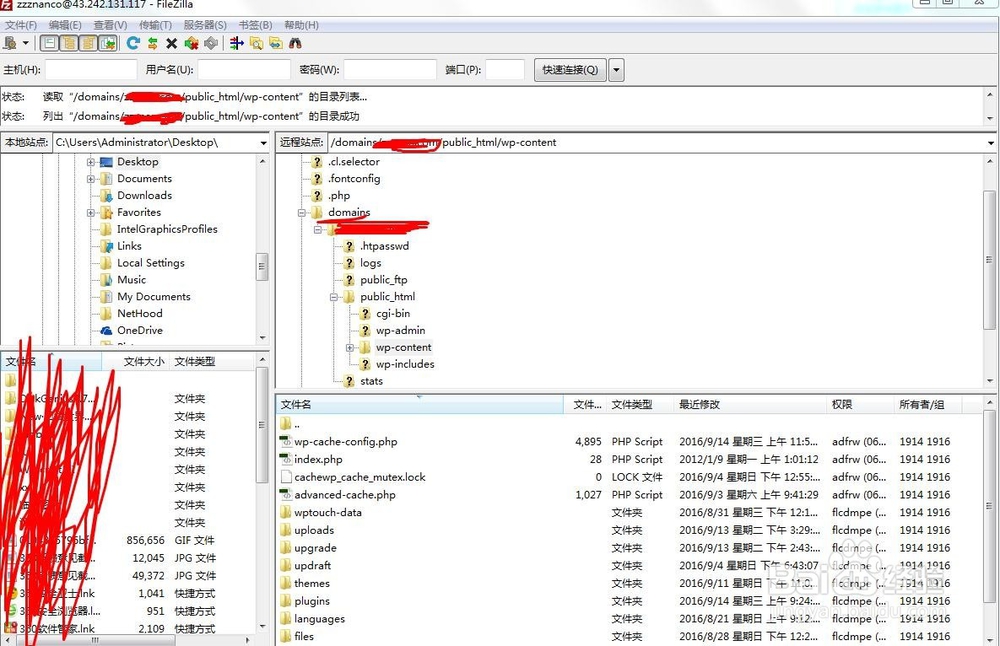
2、找到functions.php 文件。当然你也可以使用其他方法 找到此文件。一般来说文件的目录如下:
/domains/自己网站/public_html/wp-content/themes/自己网站主题
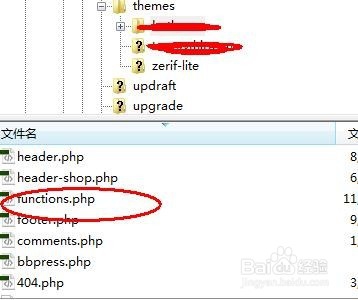
3、让后把 functions.php文件下载下来 ,打开此文件
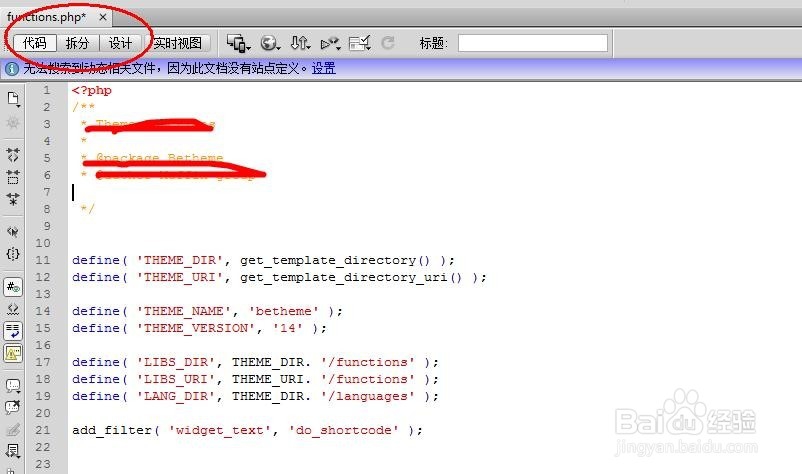
4、然后在此文件下添加如下代码(注意此代码放在【<?php ?> 】这中间任意位置):
function reply_to_read($atts, $content=null) {
extract(shortcode_atts(array("notice" => '<p class="reply-to-read">温馨提示: 此处内容需要<a href="#respond" title="评论本文">评论本文</a>后才能查看.'), $atts));
$email = null;
$user_ID = (int) wp_get_current_user()->ID;
if ($user_ID > 0) {
$email = get_userdata($user_ID)->user_email;
//对博主直接显示内容
$admin_email = "xxx@aaa.com"; //博主Email
if ($email == $admin_email) {
return $content;
}
} else if (isset($_COOKIE['comment_author_email_' . COOKIEHASH])) {
$email = str_replace('%40', '@', $_COOKIE['comment_author_email_' . COOKIEHASH]);
} else {
return $notice;
}
if (empty($email)) {
return $notice;
}
global $wpdb;
$post_id = get_the_ID();
$query = "SELECT `comment_ID` FROM {$wpdb->comments} WHERE `comment_post_ID`={$post_id} and `comment_approved`='1' and `comment_author_email`='{$email}' LIMIT 1";
if ($wpdb->get_results($query)) {
return do_shortcode($content);
} else {
return $notice;
}
}
add_shortcode('reply', 'reply_to_read');
其中,博主的EMail设置自己的(//博主Email ),博主可以不用回复就可见。
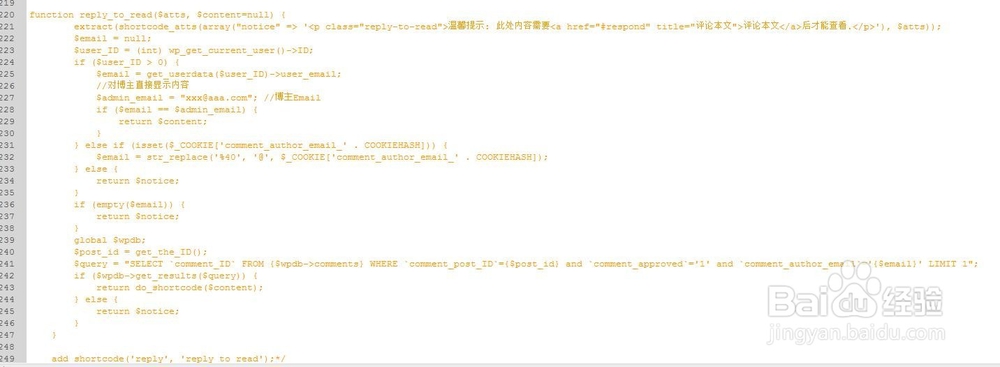
5、然后保存,把此文件上传覆盖原来文件。
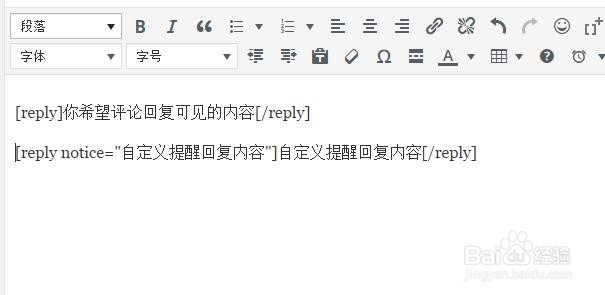
6、编辑文章时 ,
将需要隐藏的内容用[reple]包裹,编辑文章时,添加:
[reply]你希望评论回复可见的内容[/reply]
或
[reply notice="自定义提醒回复内容"]自定义提醒回复内容[/reply]
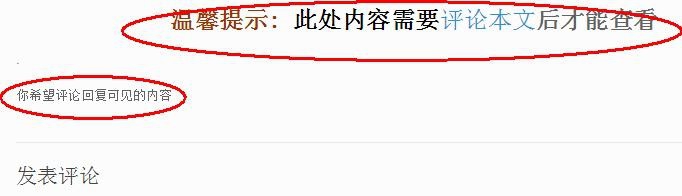
7、然后我们看看效果:如图
[当然此处显示的字体效果 ,需要自己单独修改。才能实现]
1、可能有些朋友填写代码后,发现文章发布后 隐藏的提示显示为乱码。如图类似。
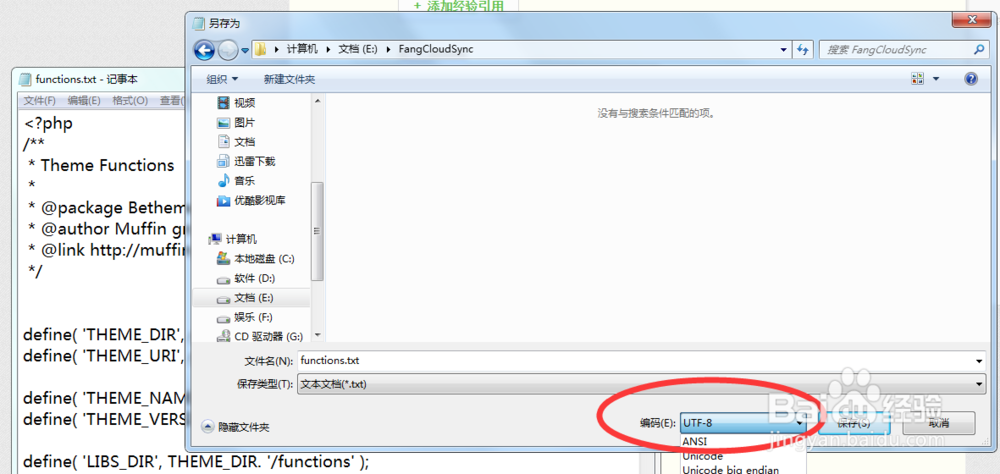
这一般是因为 文件的编码未使用UTF-8

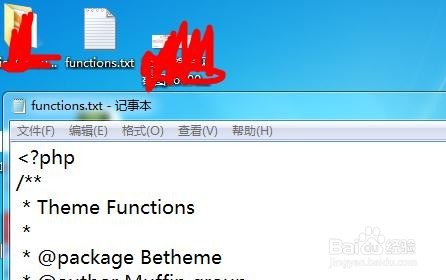
2、这时,我们需要把 functions.php 改成 functions.txt 。(此方法最简单),用记事本打开;
3、然后另存为,把编码选项卡,选择 UTF-8 。保存。
4、最后 改成 php 格式 ,然后再次上传 ,就好了