如何将cookie中httponly属性设置为true
1、首先打开IIS

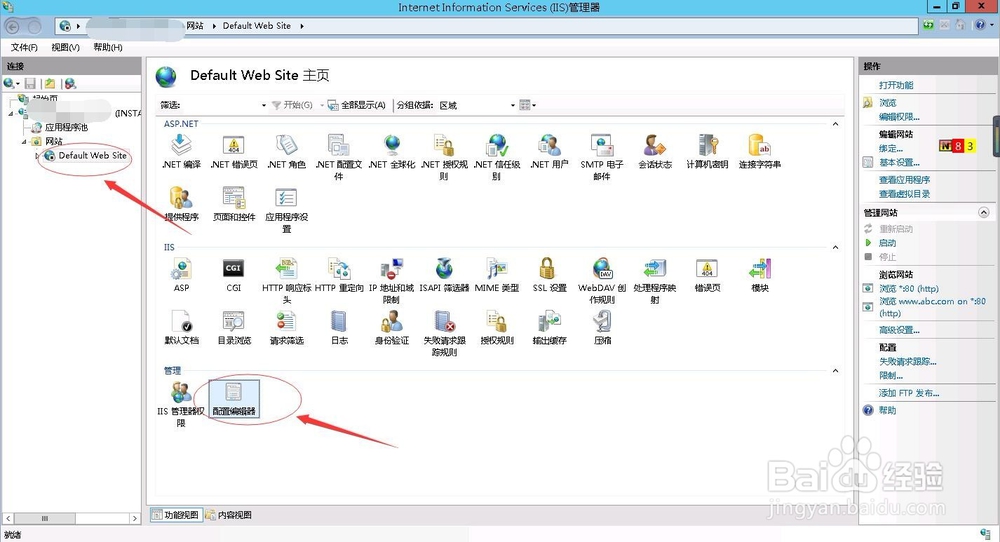
2、找到需要设置的站点,然后点击网站主页功能中“配置编辑器”
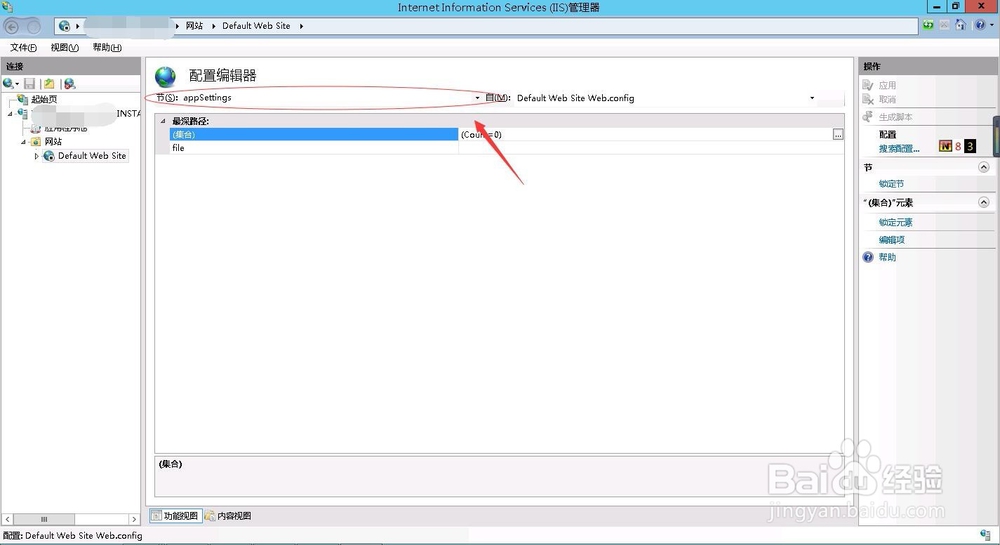
3、进入配置编辑器界面,点击“节”的下拉按钮,
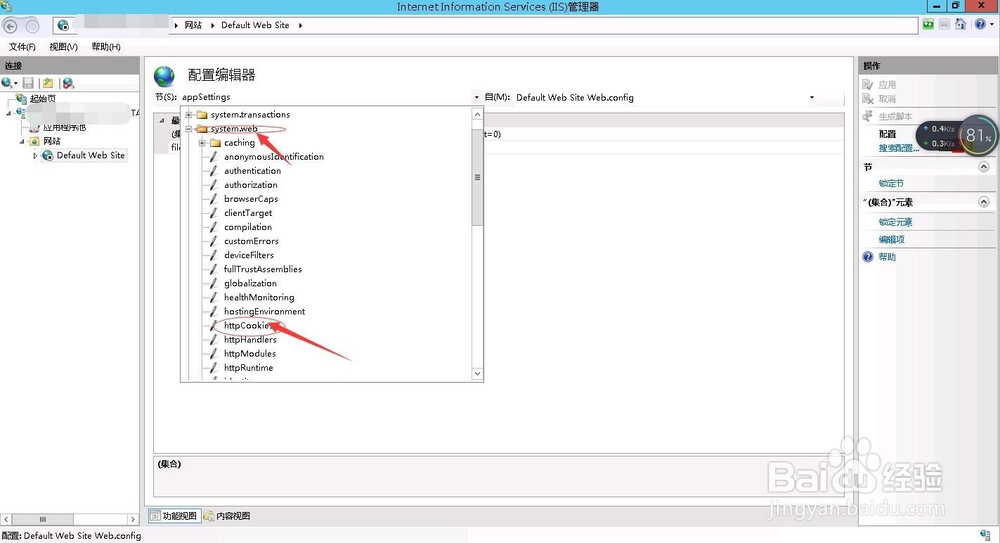
4、然后依次点击system.web---HTTPCookie
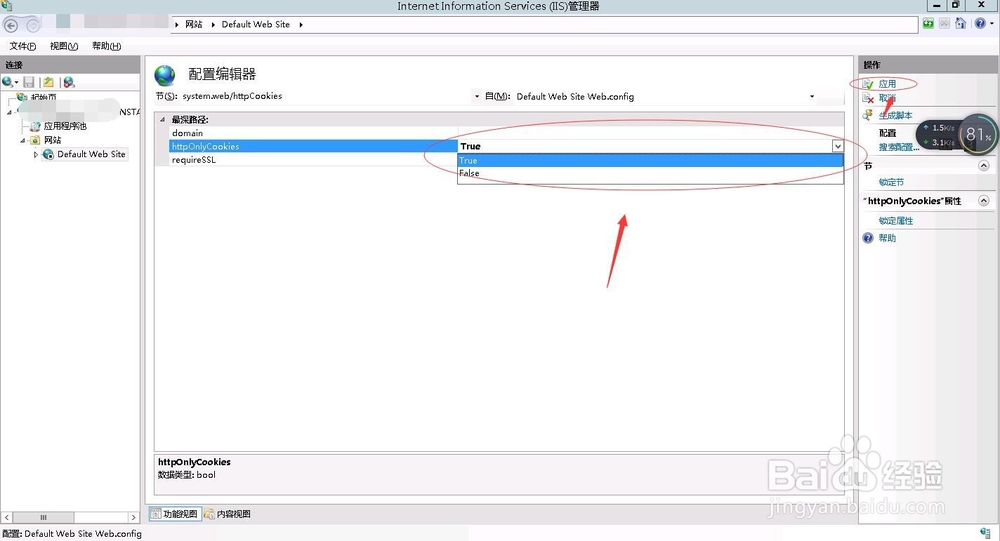
5、可以看到httpOnlyCookie的属性值是False,将False双击或按右侧下拉按钮修改为True,点击右上角“应用”保存
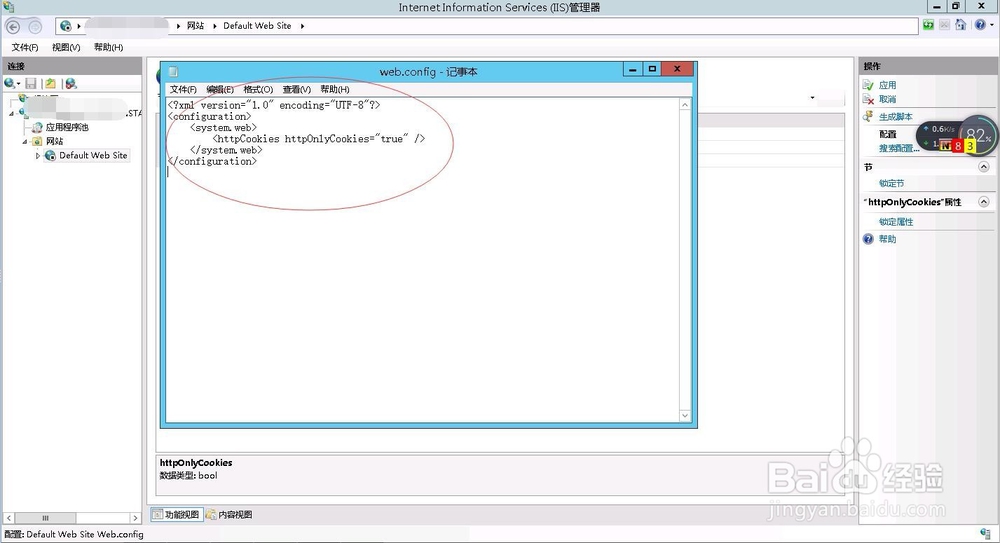
6、到网站目录中可以看到生成一个文件web.config,有这么一段代码,即设置完成了
<?xml version="1.0" encoding="UTF-8"?>
<configuration>
<system.web>
<httpCookies httpOnlyCookies="true" />
</system.web>
</configuration>
声明:本网站引用、摘录或转载内容仅供网站访问者交流或参考,不代表本站立场,如存在版权或非法内容,请联系站长删除,联系邮箱:site.kefu@qq.com。
阅读量:34
阅读量:32
阅读量:20
阅读量:72
阅读量:163