教你快速清除电脑垃圾
1、用360、金山、腾讯等安全软件清理垃圾文件,不过不一定能全部清掉,而且CPU占用高。
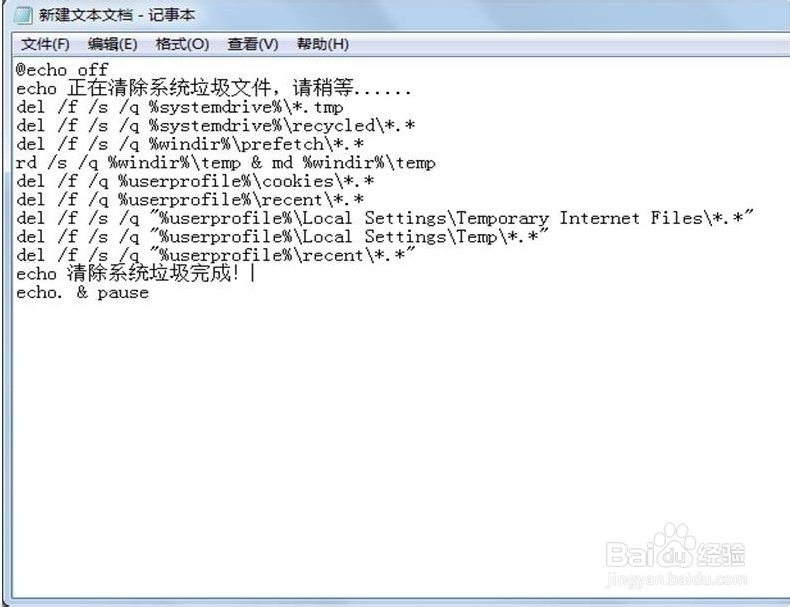
1、在桌面新建一个文本文档,把下列命令复制进去,然后另存为。
@echo off
echo 正在清除系统垃圾文件,请稍等......
del /f /s /q %systemdrive%\*.tmp
del /f /s /q %systemdrive%\recycled\*.*
del /f /s /q %windir%\prefetch\*.*
rd /s /q %windir%\temp & md %windir%\temp
del /f /q %userprofile%\cookies\*.*
del /f /q %userprofile%\recent\*.*
del /f /s /q "%userprofile%\Local Settings\Temporary Internet Files\*.*"
del /f /s /q "%userprofile%\Local Settings\Temp\*.*"
del /f /s /q "%userprofile%\recent\*.*"
echo 清除系统垃圾完成!
echo. & pause
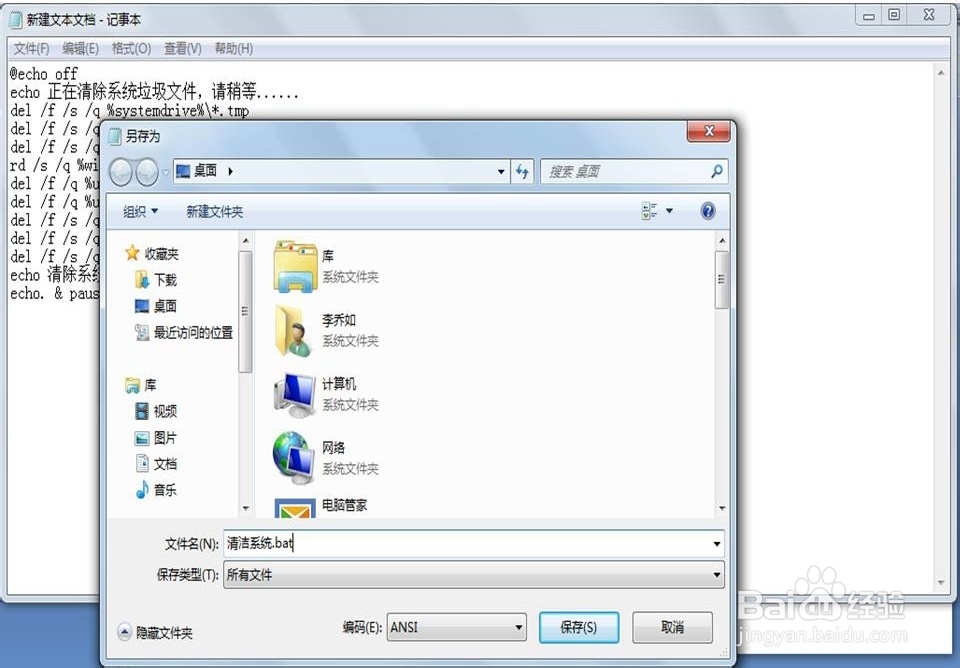
2、文件-另存为,保存类型-所有文件,文件名:XXX.bat(文件名称随便写,格式一定要*.bat),再点保存。
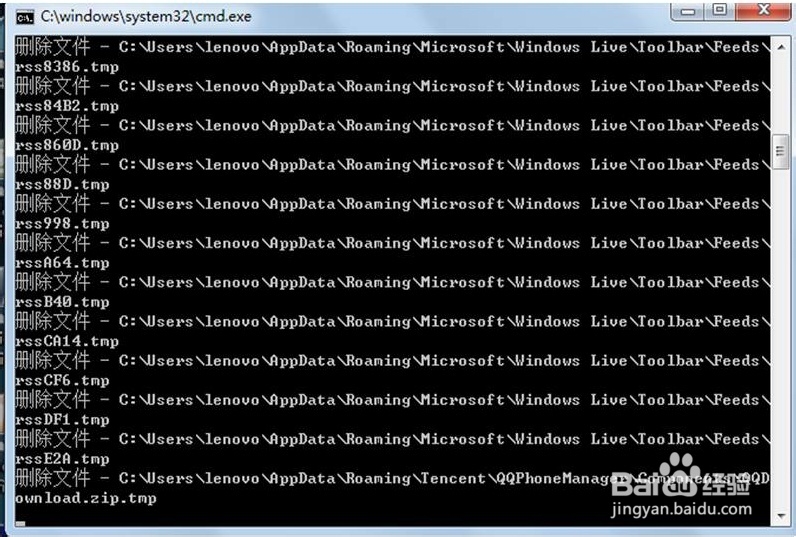
3、双击打开这个文件,就能很快地清理掉你电脑里的垃圾文件。
4、这个方法好处在:bat文件小(一般都是几百字节),而且占用CPU很低。
声明:本网站引用、摘录或转载内容仅供网站访问者交流或参考,不代表本站立场,如存在版权或非法内容,请联系站长删除,联系邮箱:site.kefu@qq.com。