C#面向对象初步类的属性
1、打开vs2015开发工具,新建项目‘clspropoty’,在项目中新建类文件
‘book.cs’

2、在‘book.cs’中如下代码
using System.Text;
using System.Threading.Tasks;
namespace clspropoty
{
class book
{
private string _name;
public string Name {
get
{
return _name;
}
set
{
this._name = value;
}
}
}
}
其中_name为类的私有字段,Name属性就是用来读写这个私有字段的

3、在clspropoty项目的program.cs文件写如下代码:
using System;
using System.Collections.Generic;
using System.Linq;
using System.Text;
using System.Threading.Tasks;
namespace clspropoty
{
class Program
{
static void Main(string[] args)
{
book booktest = new book();
booktest._name = "test";
}
}
}
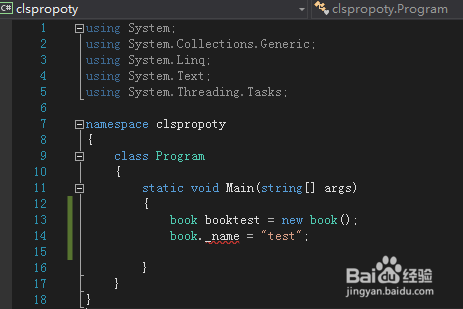
4、将clspropoty项目设为启动项目。F5 运行程序,发生错误,因为_name是book类的私有字段不允许外部访问
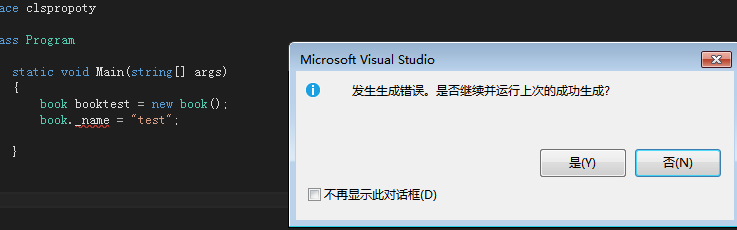
5、在clspropoty项目的program.cs文件修改代码如下:
using System;
using System.Collections.Generic;
using System.Linq;
using System.Text;
using System.Threading.Tasks;
namespace clspropoty
{
class Program
{
static void Main(string[] args)
{
book booktest = new book();
booktest.Name = "test";
System.Console.WriteLine(booktest.Name);
}
}
}
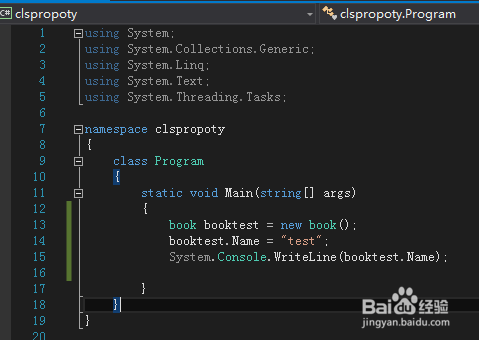
6、F5 运行程序,未发生错误。
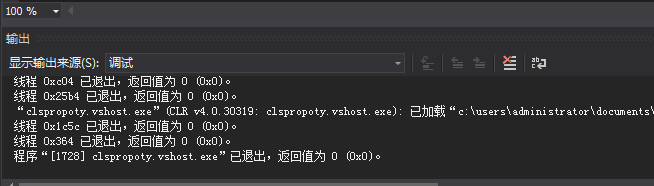
7、在program.cs文件最后,增加一行
System.Console.ReadKey();
再次F5 运行程序,未发生错误,book实例booktest的name字段值正常打印出来
