windows 安装 node.js 教程
1、打开浏览器在搜索栏里面输入:http://nodejs.cn/download/ 进入 node.js 官网地址进行下载
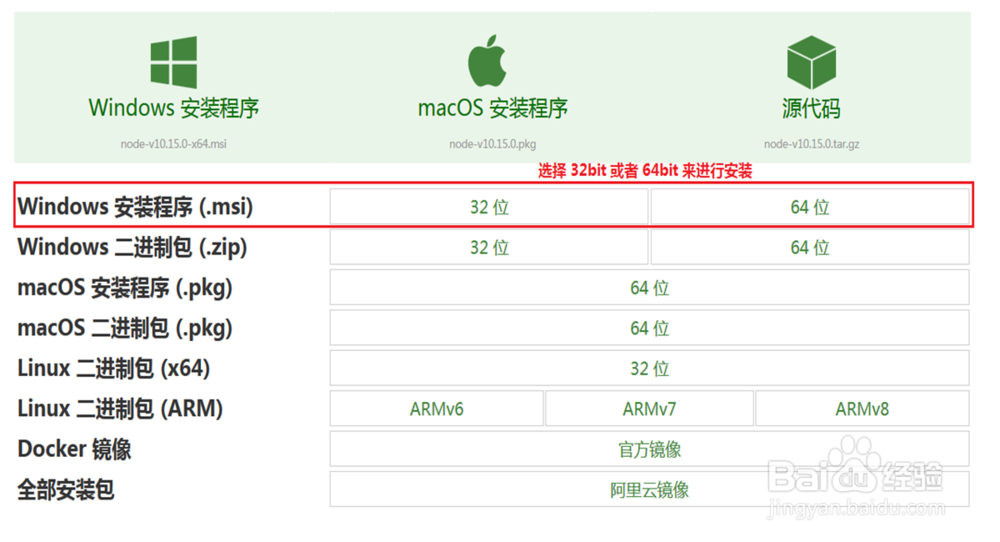
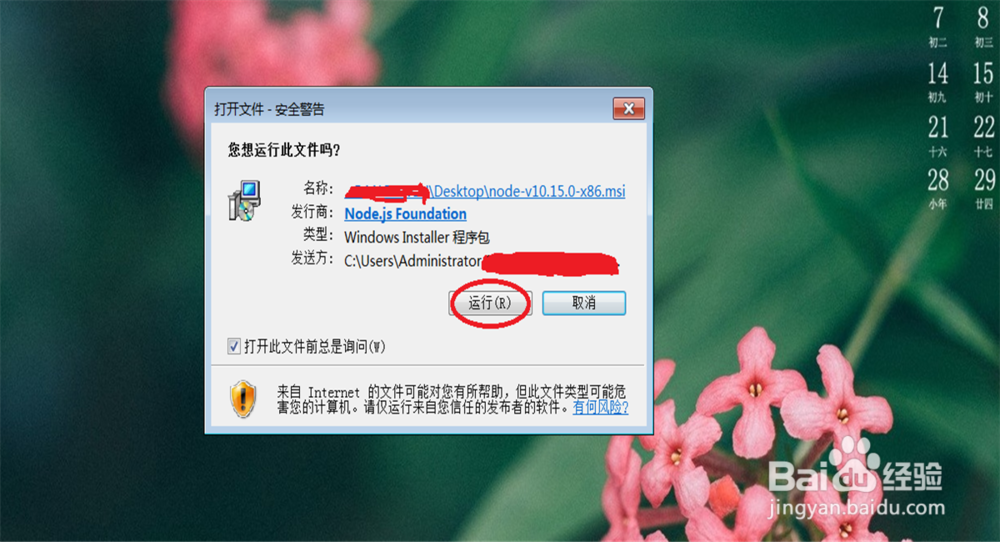
2、双击打开下载好的 node.exe 安装程序, 点击: 运行
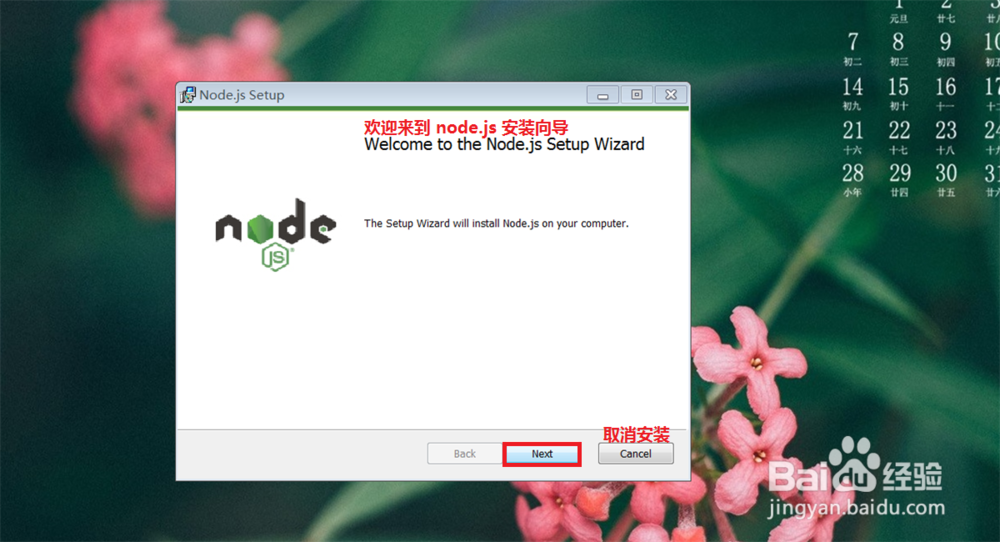
3、点击: Next
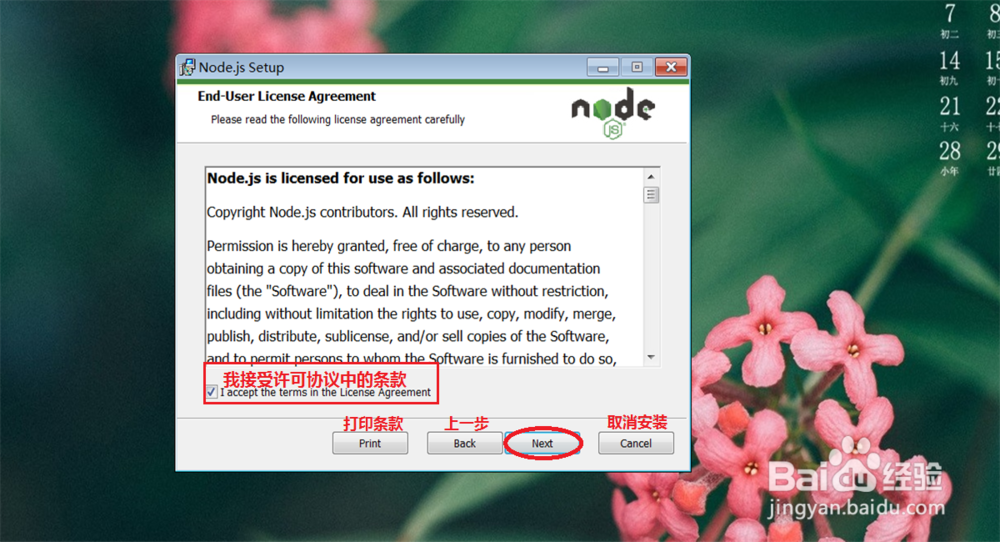
4、将我接受许可协议条款,前面打 √ 号, 之后点击: Next
5、选择要安装的路径, 或是默认路径安装, 接着点击: Next
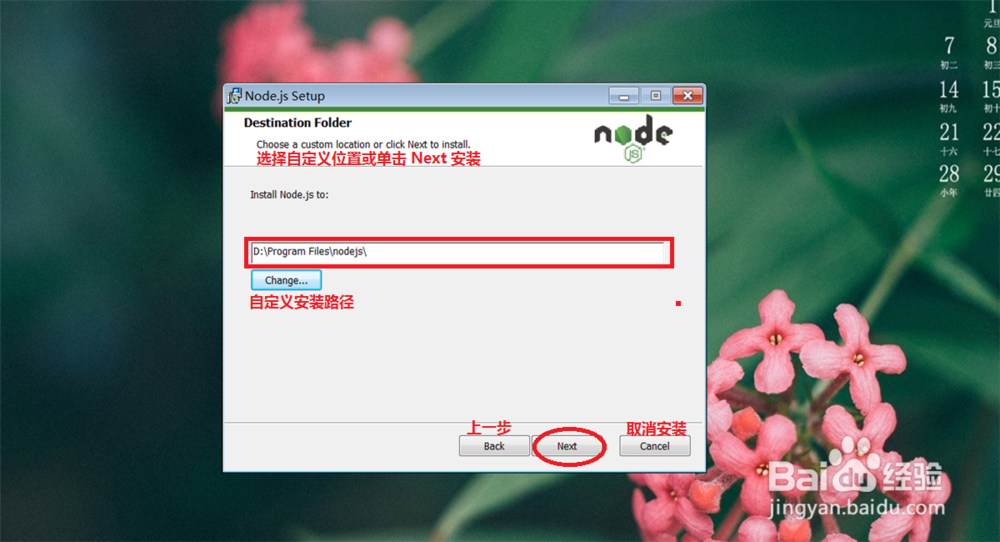
6、node.js 配置默认即可,接着点击: Next
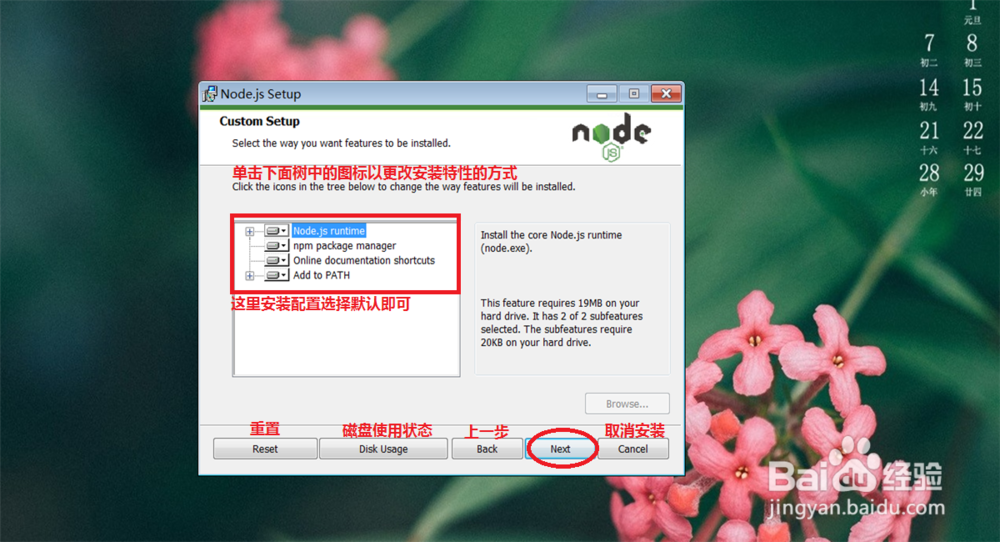
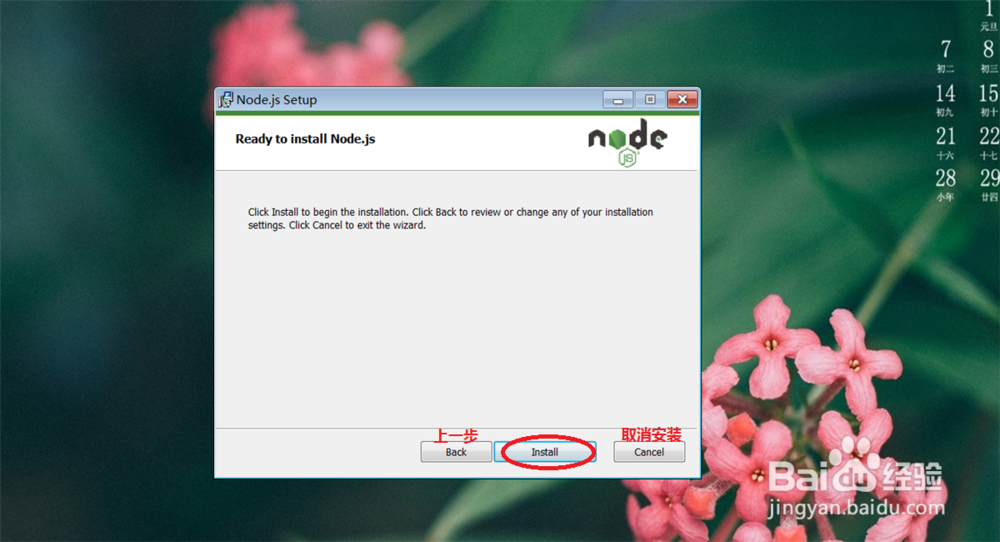
7、点击: Install

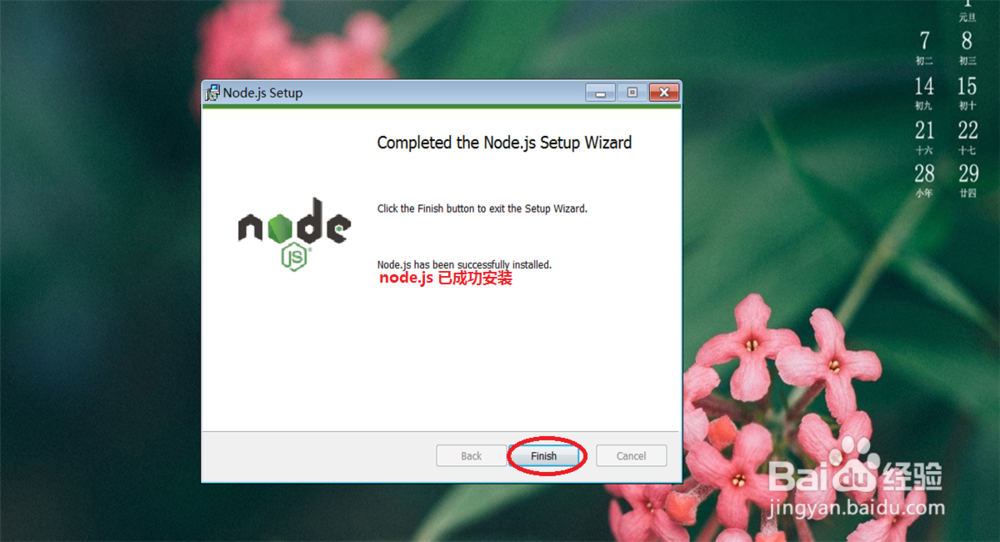
8、点击:Finish 安装完成
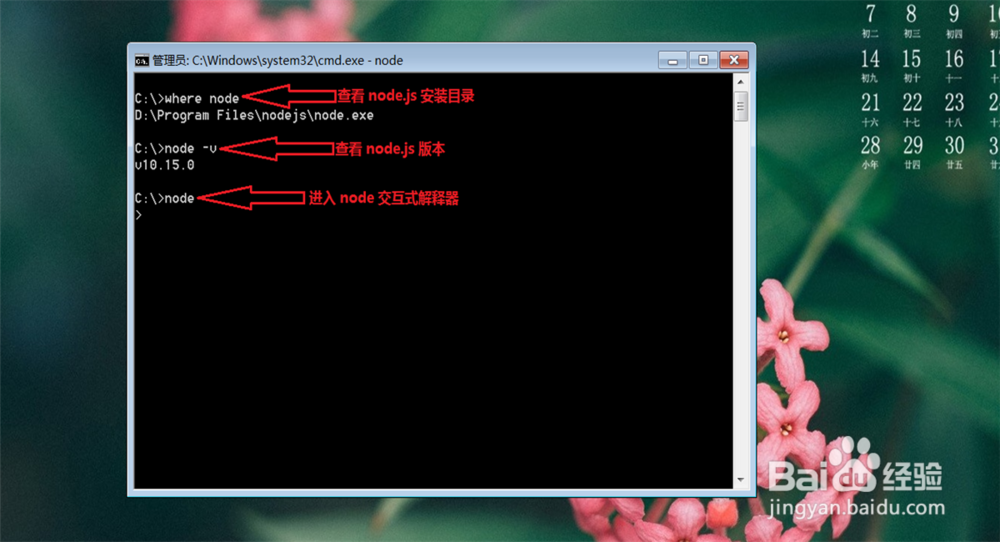
9、win + r 打开 windows 应用程序 输入 cmd 来查看是否安装成功
在 cmd 里面输入以下命令进行查看
输入where node 查看 node.js 所安装目录
输入 node -v 查看 node.js 的版本号
输入 node 进入 node.js 交互式解释器
声明:本网站引用、摘录或转载内容仅供网站访问者交流或参考,不代表本站立场,如存在版权或非法内容,请联系站长删除,联系邮箱:site.kefu@qq.com。
阅读量:130
阅读量:116
阅读量:26
阅读量:30
阅读量:89