html5+CSS3订单提交按钮Loading状态
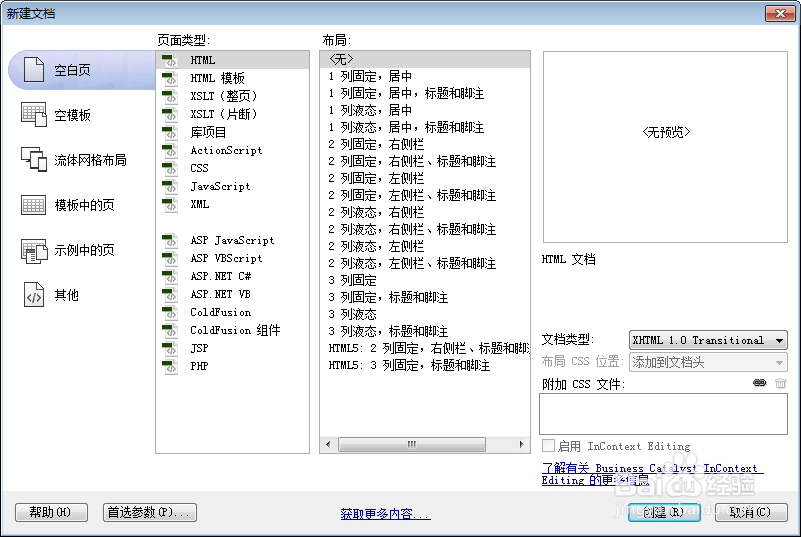
1、新建html文档。
2、书写hmtl代码。
<div class="grebtn">订单提交中
<dot>...</dot>
</div>

3、初始化css代码。
<style>
html, body { width : 100%; height : 100%; margin : 0; padding : 0; }
.wrapper { position : relative; width : 420px; margin : 0 auto; padding : 0; font-size : 0; }
.icon { position : relative; display : inline-block; width : 100px; height : 100px; margin : 20px; border-radius : 18px; -webkit-box-sizing : border-box; -moz-box-sizing : border-box; box-sizing : border-box; }
</style>

4、书写css代码。
<style>
body { text-align: center }
.grebtn { display: inline-block; padding: 0.5em 1.25em; border: 1px solid; border-radius: 2px; vertical-align: bottom; font-weight: inherit; border-color: #208000 #1F7F00; background-color: #289600; box-shadow: inset 0 0 1px rgba(255,255,255,.6), 0 1px #8DBF62; color: #fff; text-shadow: 0 -1px #137900; margin: 100px auto; }
dot { display: inline-block; height: 1em; line-height: 1; text-align: left; vertical-align: -.25em; overflow: hidden; }
dot::before { display: block; content: '...\A..\A.'; white-space: pre-wrap; animation: dot 3s infinite step-start both; }
@keyframes dot { 33% {
transform: translateY(-2em);
}
66% {
transform: translateY(-1em);
}
}
</style>

5、代码整体结构。
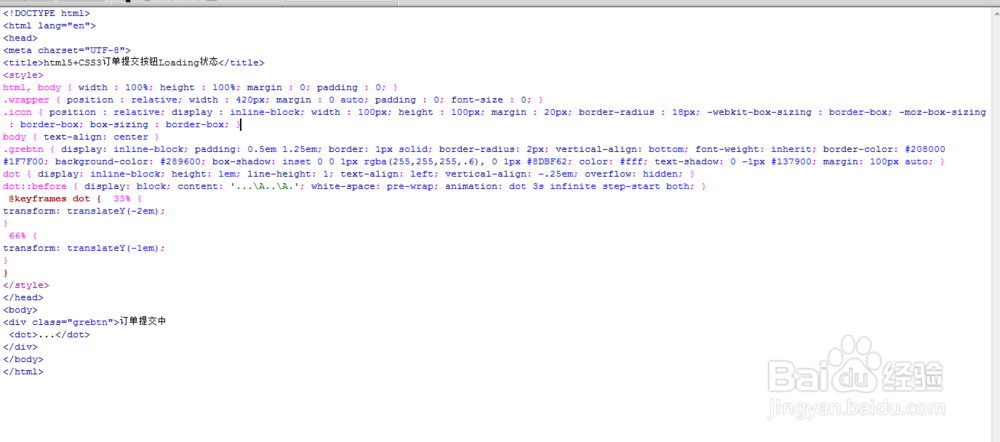
6、查看效果。