树莓派怎样截图?
1、首先看你的树莓派上有没有scrot这个软件
命令:sudo scrot -v
<important>出现版本信息直接跳到步骤3</important>
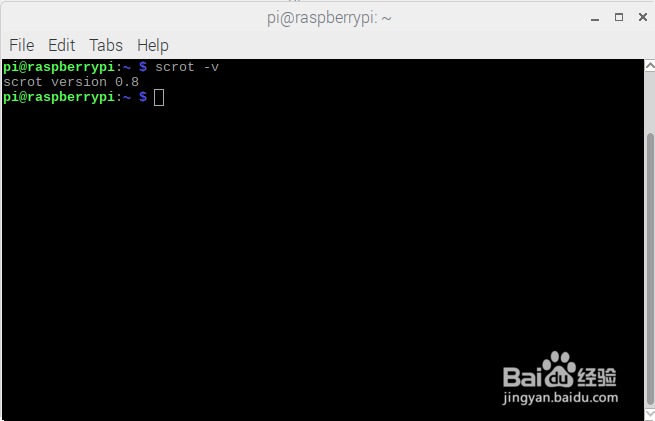
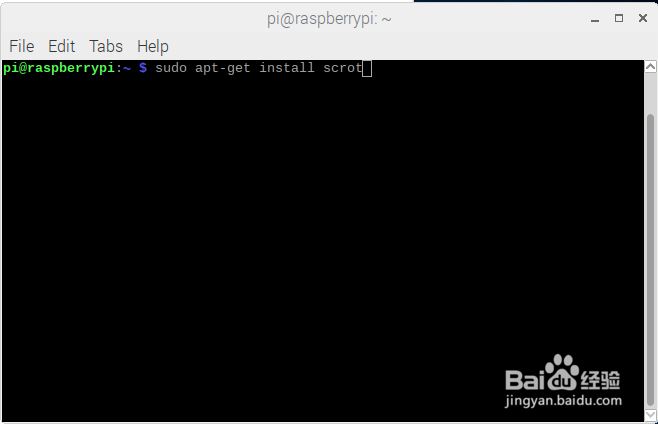
2、没有出现版本信息,那么就安装下scrot
命令:sudo apt-get install scrot
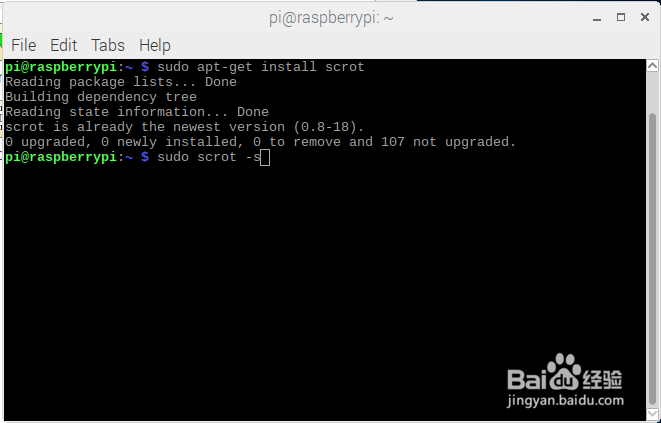
3、使用方式1:鼠标选框截图
命令:sudo scrot -s
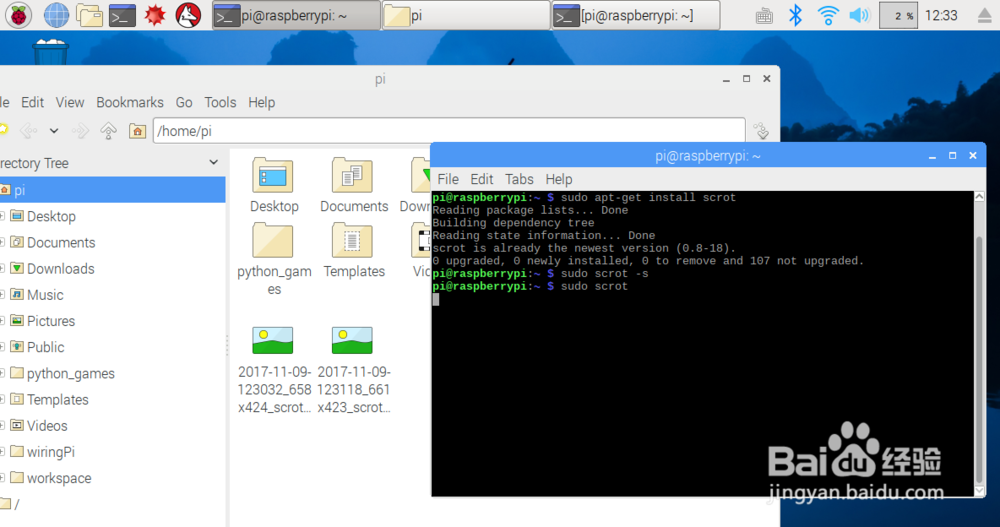
4、使用方式2:全屏截图
命令:sudo scrot
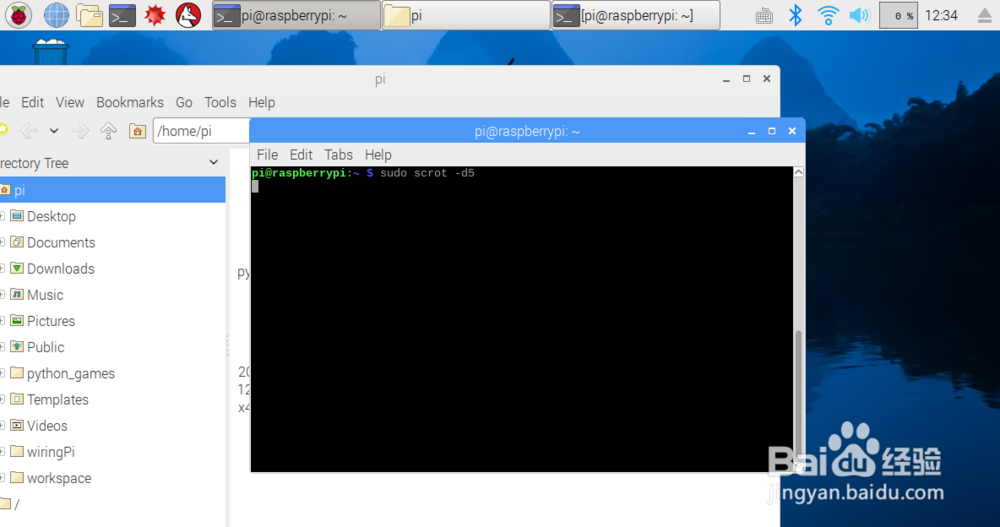
5、使用方式3:定时截图
命令:sudo scrot -d5
-d后面的数字定时几秒-d5定时5秒后全屏截图
6、更多使用方法可以通过
命令:sudo scrot -h
声明:本网站引用、摘录或转载内容仅供网站访问者交流或参考,不代表本站立场,如存在版权或非法内容,请联系站长删除,联系邮箱:site.kefu@qq.com。
阅读量:90
阅读量:119
阅读量:111
阅读量:48
阅读量:151