Windows Server 2012安装步骤
1、启动界面

2、进入安装向导,选择语言进行安装
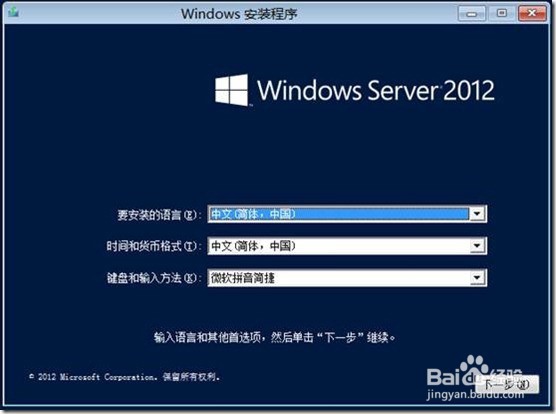
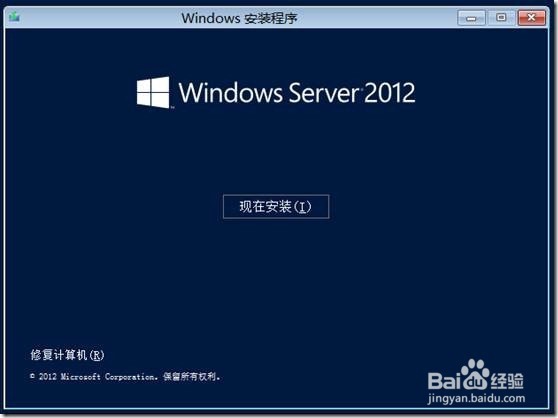
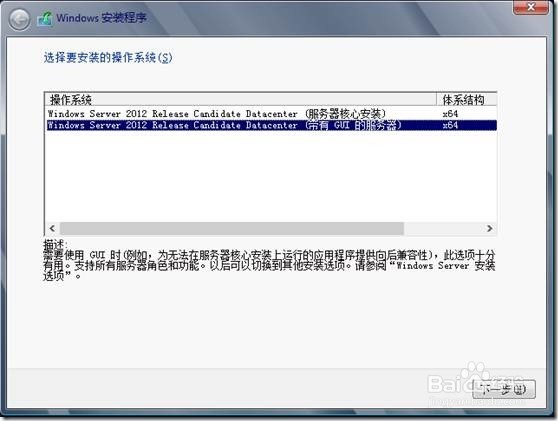
3、由于是RC版本,可以看到,只有俩个可选的,一个是服务器核心的,另外一个是带图形界面的安装,选择GUI安装
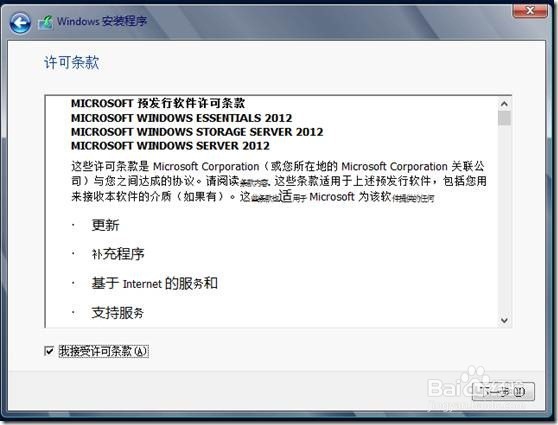
4、同意条款
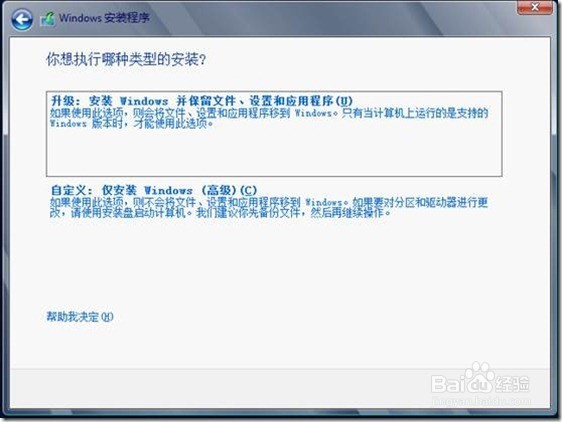
5、这里自定义安装了
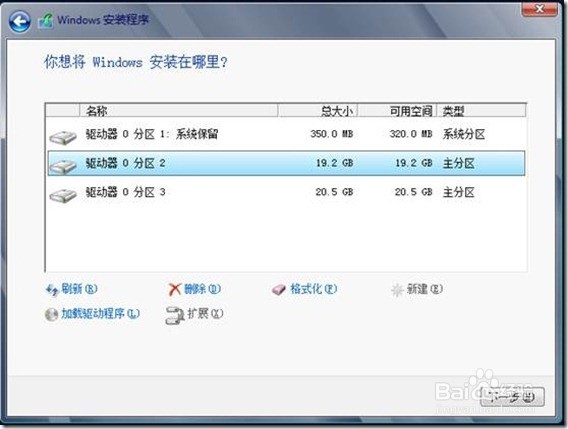
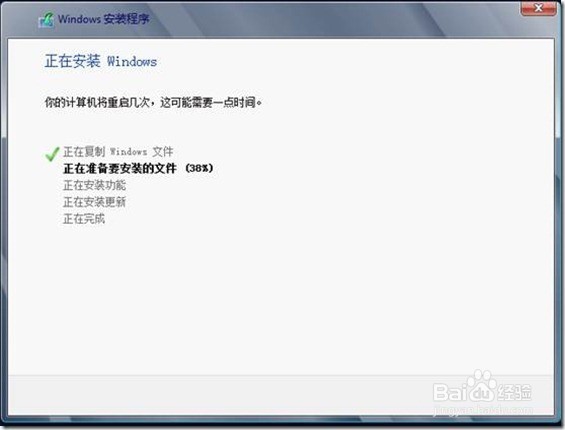
6、驱动器划分
7、设置登录密码
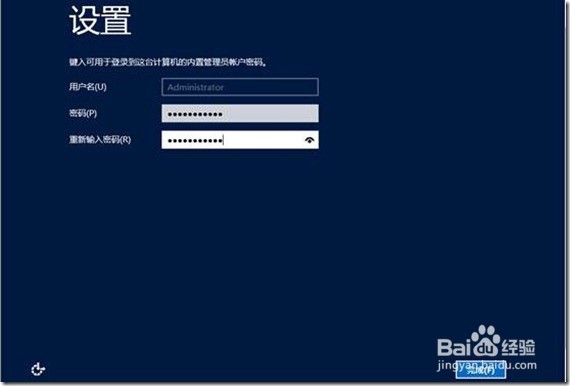
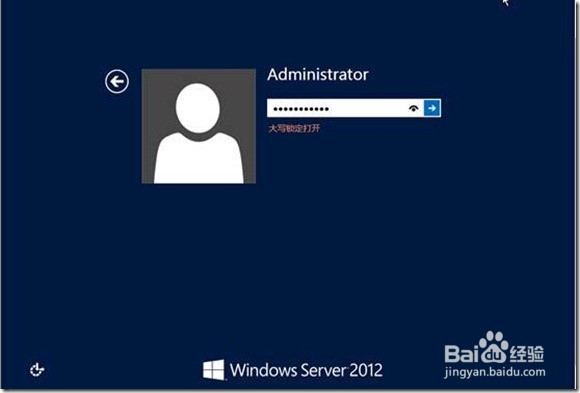
8、输入设置好的登录密码进入
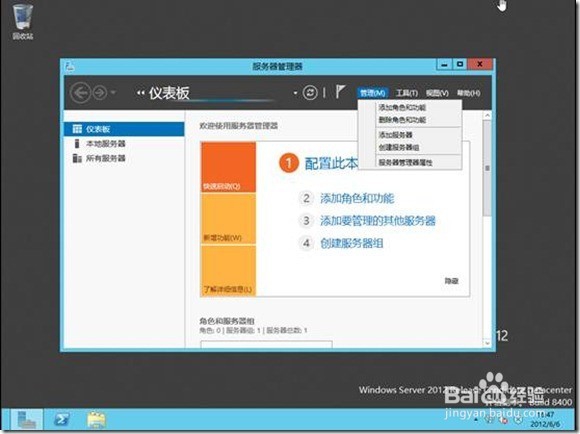
9、系统主界面
声明:本网站引用、摘录或转载内容仅供网站访问者交流或参考,不代表本站立场,如存在版权或非法内容,请联系站长删除,联系邮箱:site.kefu@qq.com。
阅读量:186
阅读量:22
阅读量:157
阅读量:164
阅读量:36