workbench怎么不设置在连接屏幕上显示欢迎消息
1、首先,打开一个workbench的界面中
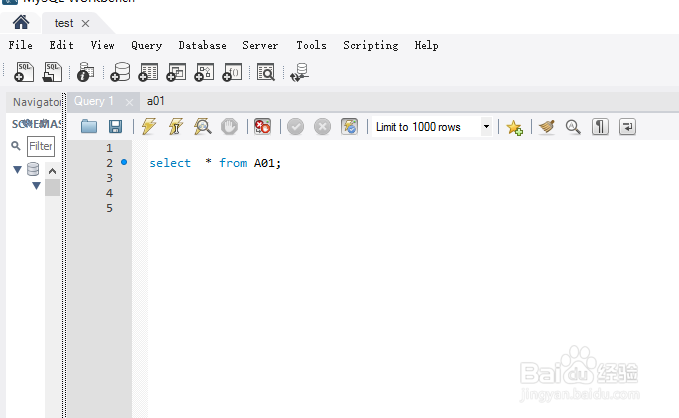
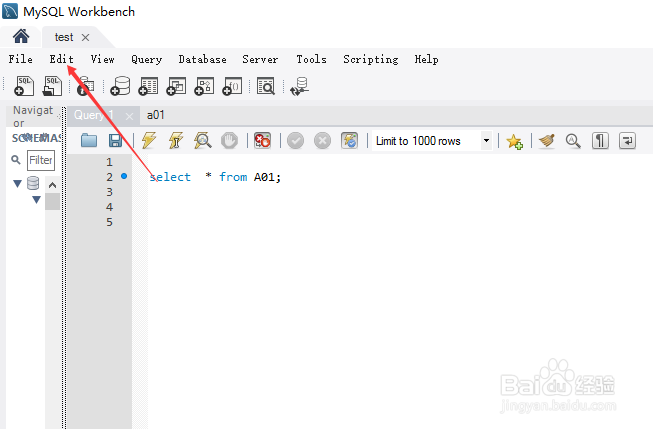
2、点击菜单中的 edit 菜单
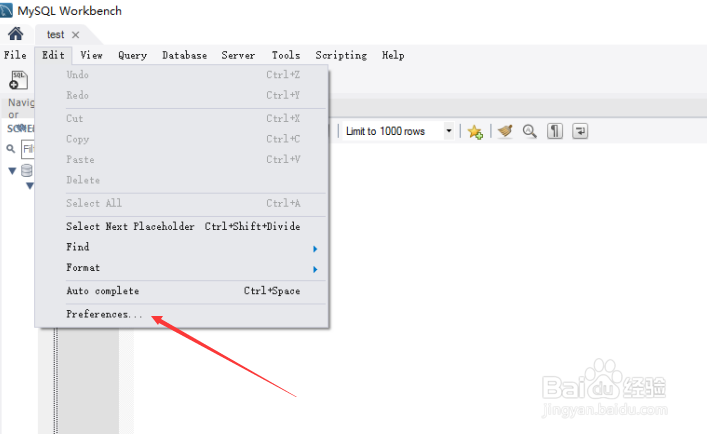
3、点击了edit菜单之后,弹出了下拉菜单选中为 preference 选项
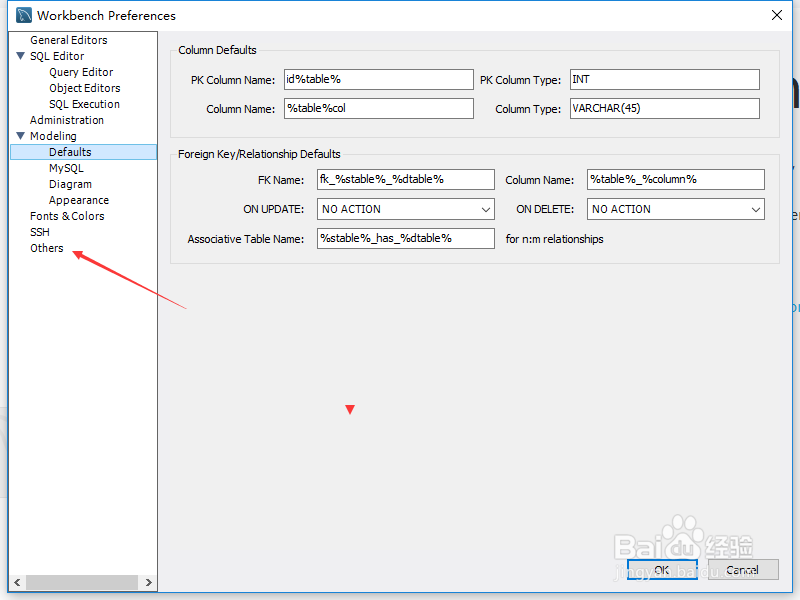
4、进入到了preference界面中,点击左侧中的 others 选项
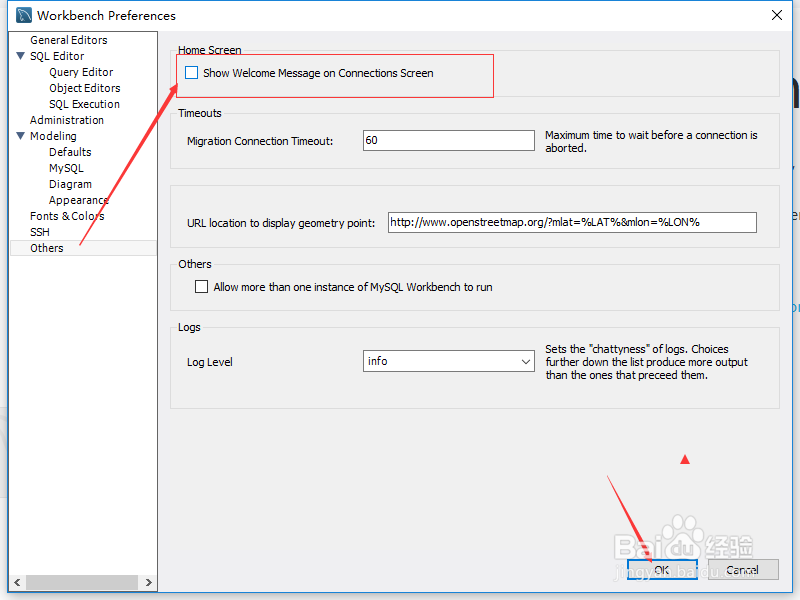
5、进入到 了others界面中,去掉 show wekone message on connections screen 选项勾选
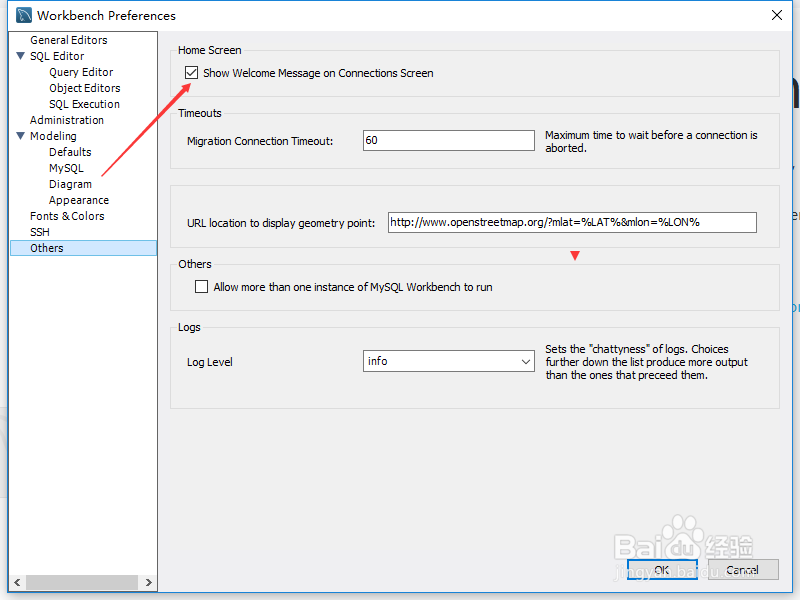
6、去掉 show wekone message on connections screen 选项勾选之后,点击 ok
1、点击菜单中的 edit 菜单
选中为 preference 选项
点击左侧中的 others 选项
去掉 show wekone message on connections screen 选项勾选
声明:本网站引用、摘录或转载内容仅供网站访问者交流或参考,不代表本站立场,如存在版权或非法内容,请联系站长删除,联系邮箱:site.kefu@qq.com。
阅读量:112
阅读量:164
阅读量:82
阅读量:115
阅读量:182