如何使用Powershell命令关闭计算机?
1、以Windows Server 2012进行演示操作;

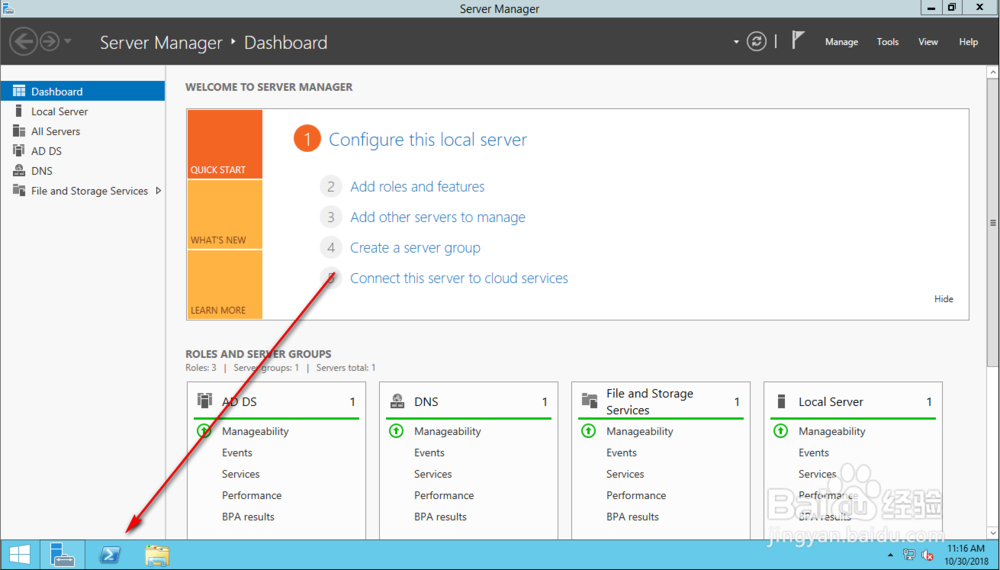
2、点击任务栏上的Powershell图标;
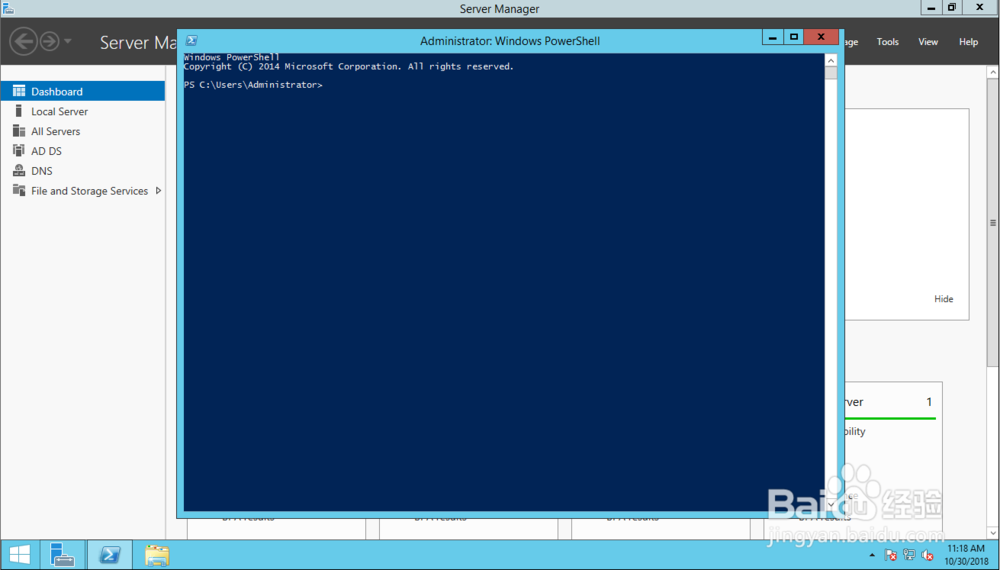
3、Powershell窗口自动开启;
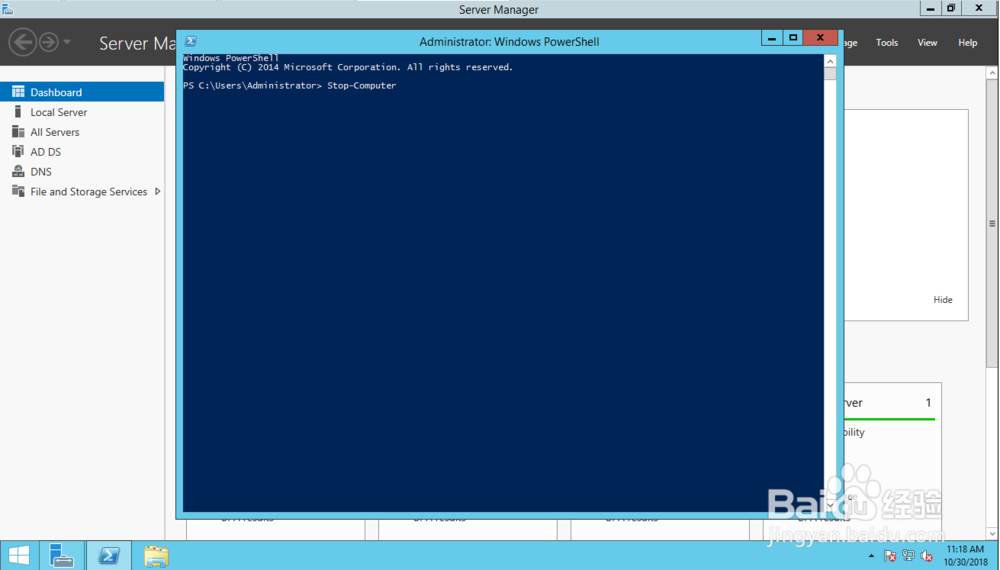
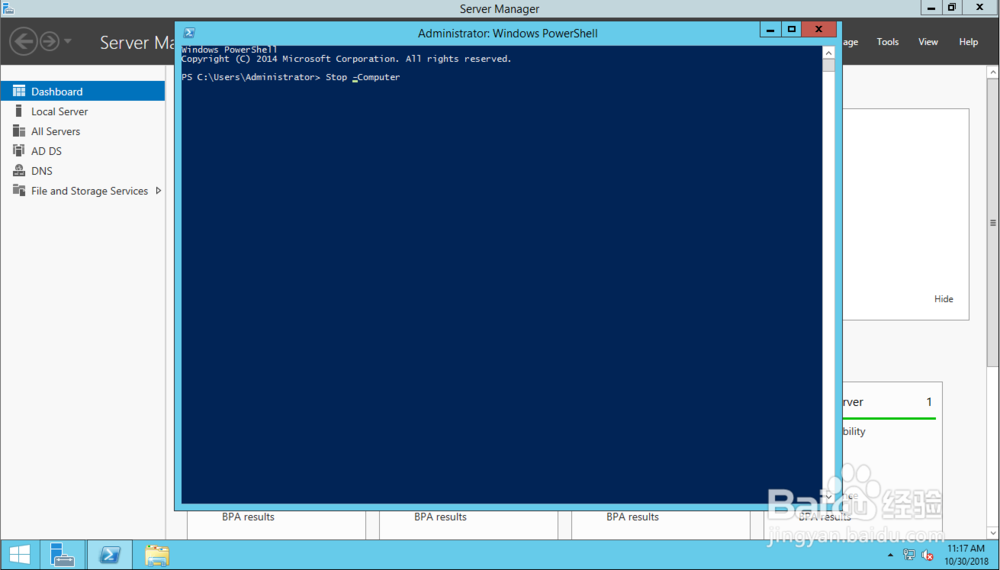
4、在Powershell窗口中输入Stop-Computer;
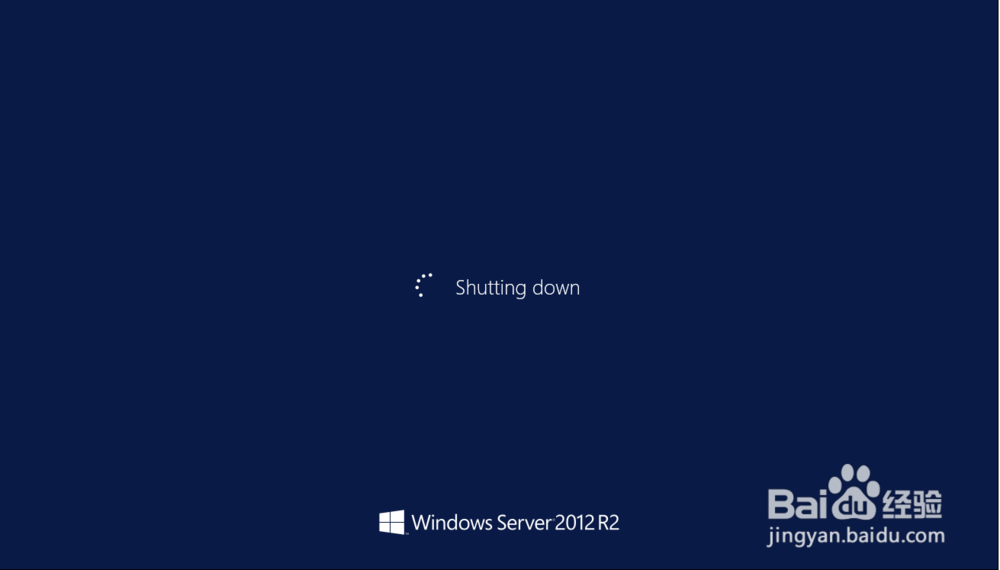
5、点击回车后,系统自动关闭;
6、注意:
“Stop-Computer”中没有空格,如果在“-”处,输入空格,Powershell会报错。

声明:本网站引用、摘录或转载内容仅供网站访问者交流或参考,不代表本站立场,如存在版权或非法内容,请联系站长删除,联系邮箱:site.kefu@qq.com。
阅读量:122
阅读量:100
阅读量:195
阅读量:138
阅读量:93