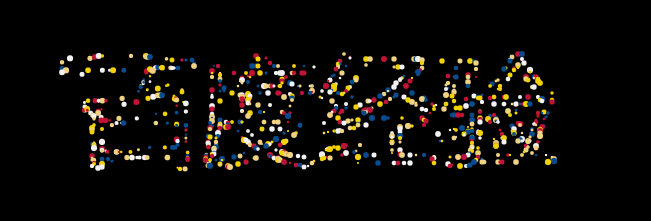
HTML5+Canvas发光粒子文字动画特效
1、新建html文档。
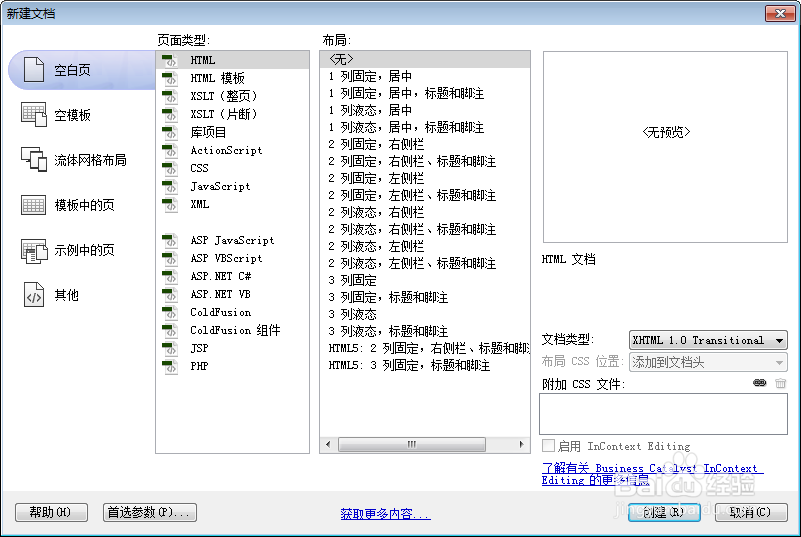
2、书写hmtl代码。
<div class = "control" style = "position:absolute">
<input type = "text" value = "百度经验" id = "t">
<button onclick = "changeText(t.value)"> change </button>
</div>

3、书写css代码。
<style>
body, html { margin: 0; width: 100%; overflow: hidden; }
canvas { width: 100%; }
.control { position: absolute; }
.control input { border: 0; margin: 0; padding: 15px; outline: none; text-align: center; }
.control button { border: 0; margin: 0; padding: 15px; outline: none; background: #333; color: #fff; }
.control button:focus, .control button:hover { background: #222 }
</style>

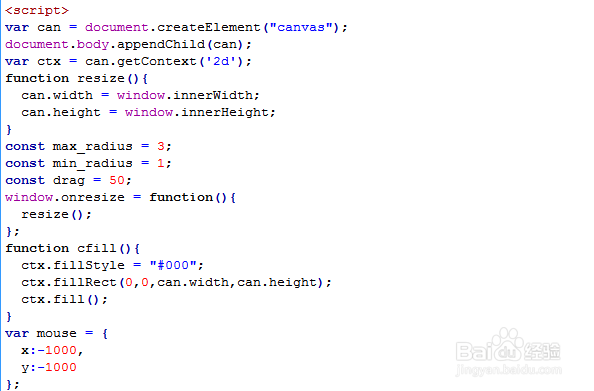
4、书写并添加js代码。
<script>
var can = document.createElement("canvas");
document.body.appendChild(can);
var ctx = can.getContext('2d');
function resize(){
can.width = window.innerWidth;
can.height = window.innerHeight;
}
const max_radius = 3;
const min_radius = 1;
const drag = 50;
window.onresize = function(){
resize();
};
function cfill(){
ctx.fillStyle = "#000";
ctx.fillRect(0,0,can.width,can.height);
ctx.fill();
}
var mouse = {
x:-1000,
y:-1000
};
5、代码整体结构。
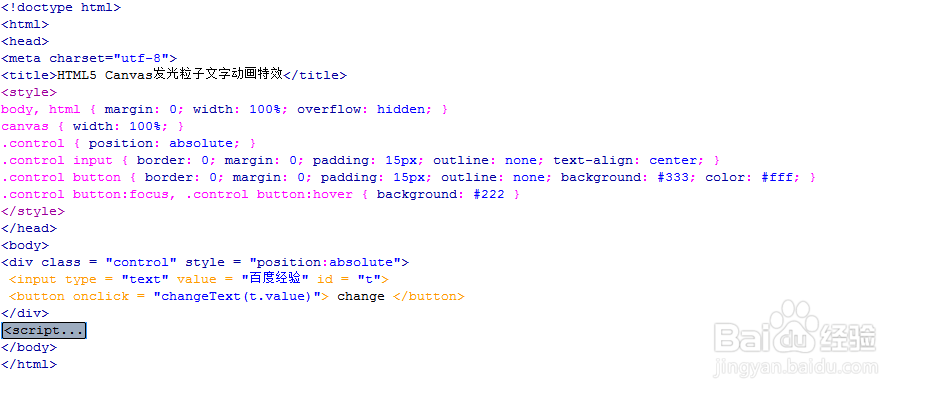
6、查看效果。